Scheduling Instagram posts

Level: Easy Instagram’s easy scheduling tool can be used for reels and posts, and means you can get content ready well in advance, to go out automatically. – Schedule your post or reel – View or re-schedule your scheduled posts
Level: Easy

Instagram’s easy scheduling tool can be used for reels and posts, and means you can get content ready well in advance, to go out automatically.


–

Schedule your post or reel
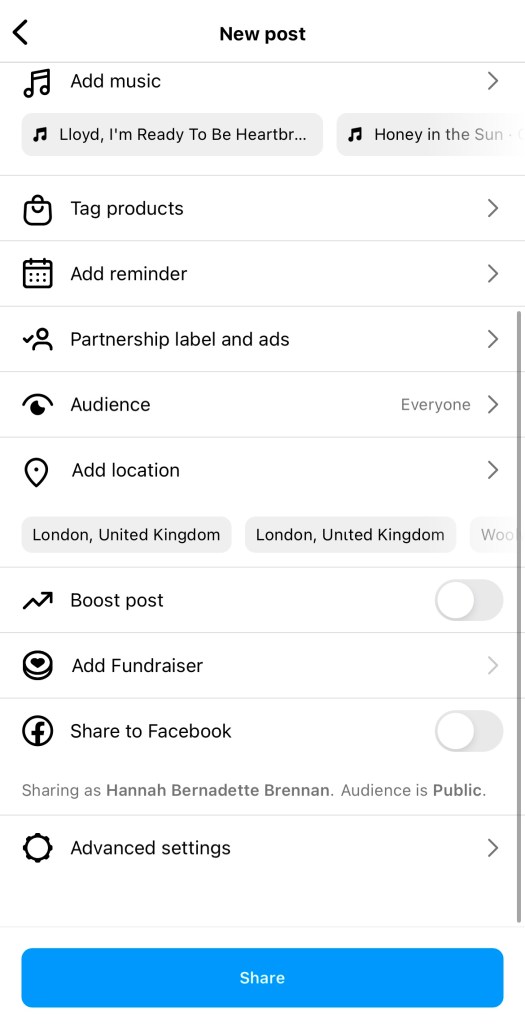
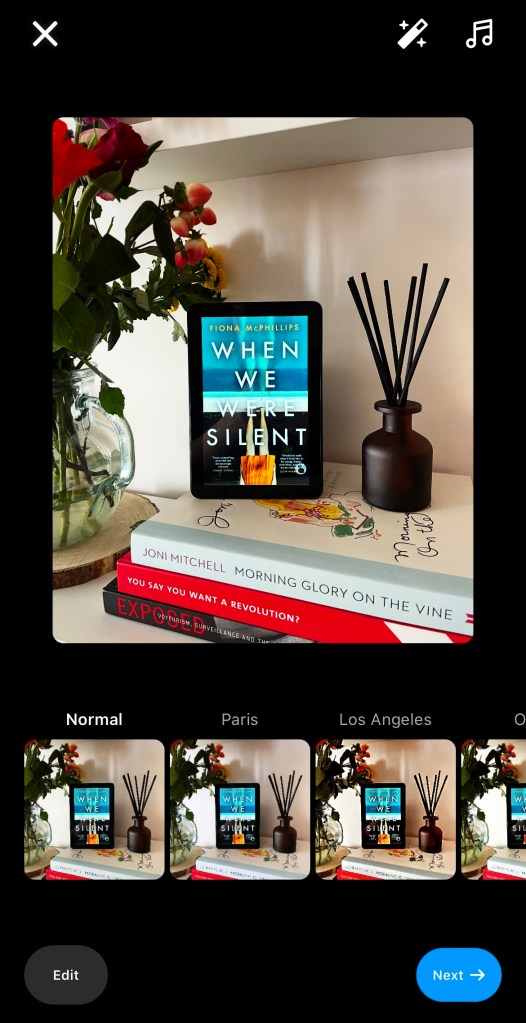
1 – get your post ready
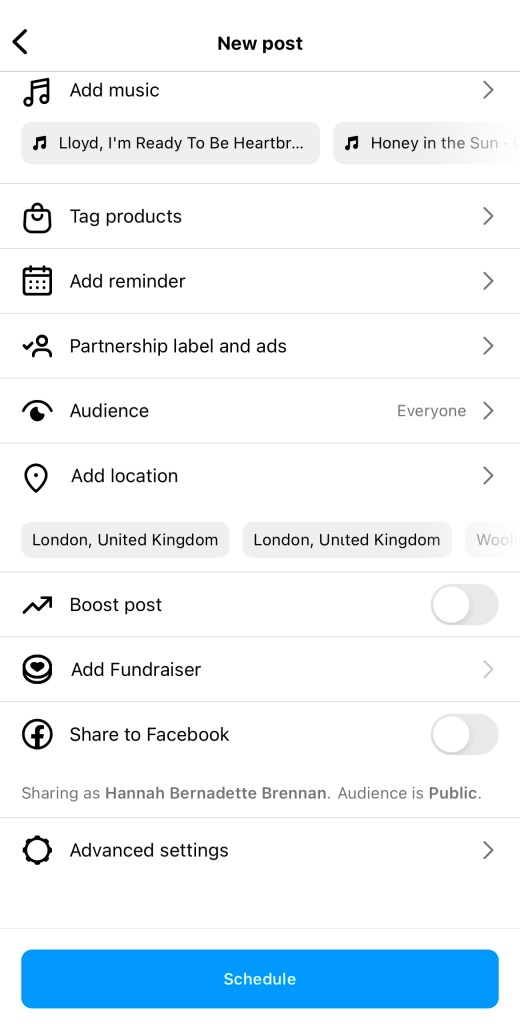
2 – scroll to the bottom and hit “advanced settings“
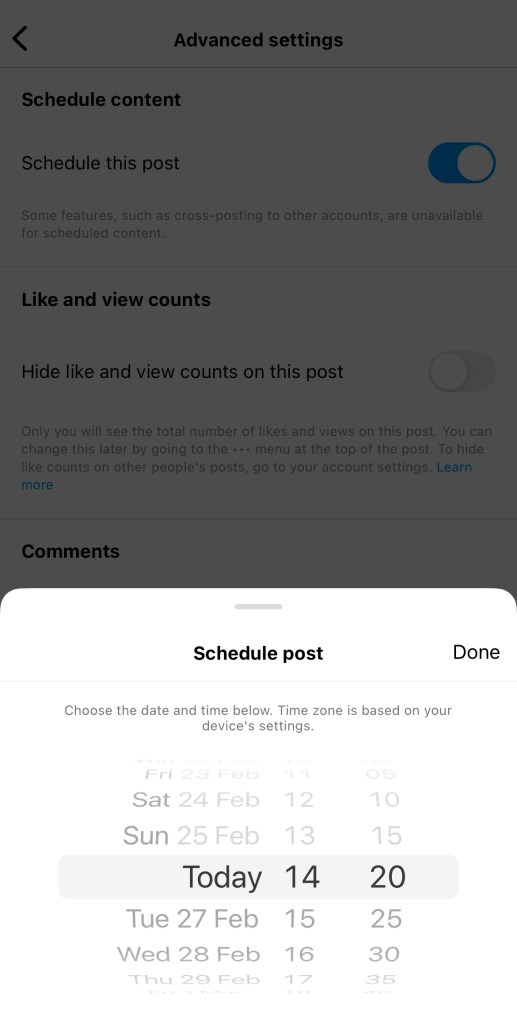
3 – when you toggle on “schedule this post” the timings will appear. Select your date and time and hit “done“.
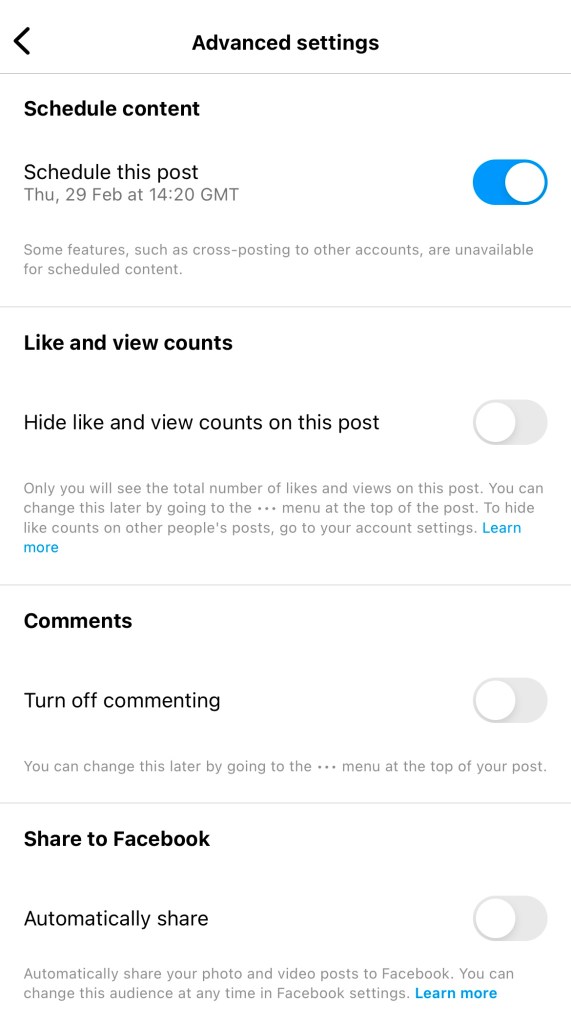
4 – the time and date will appear on this page. Hit back.
5 – at the bottom of the normal posting page the button will say “Schedule“. Tap this when you’re ready to schedule your post or reel.

–

View or re-schedule your scheduled posts
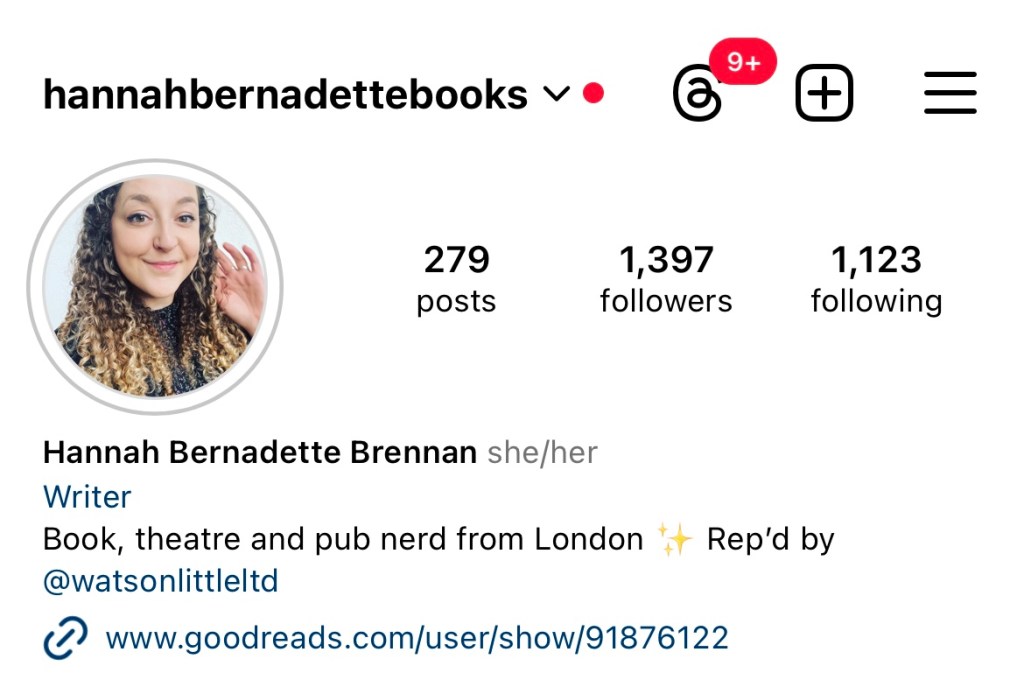
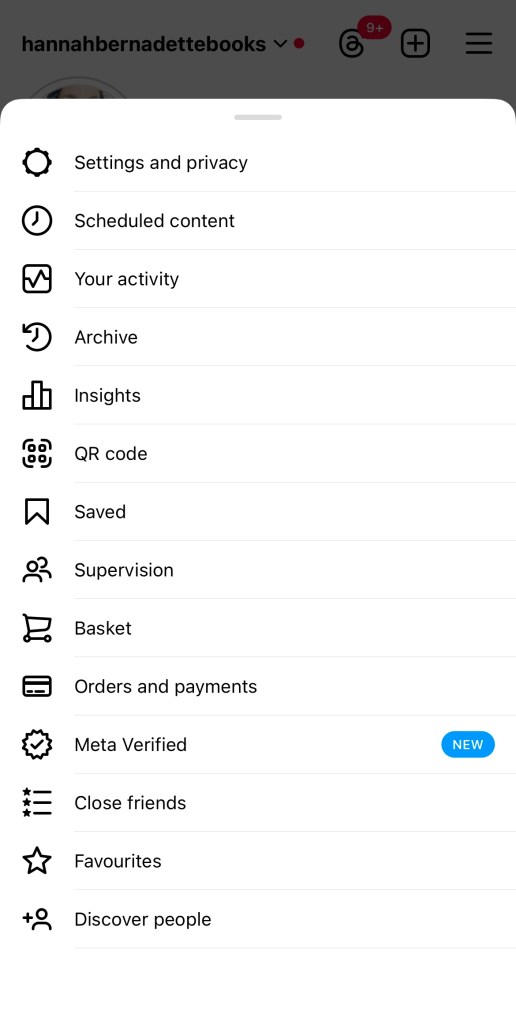
1 – go to your profile page and hit the menu in the top right corner (three horizontal lines)
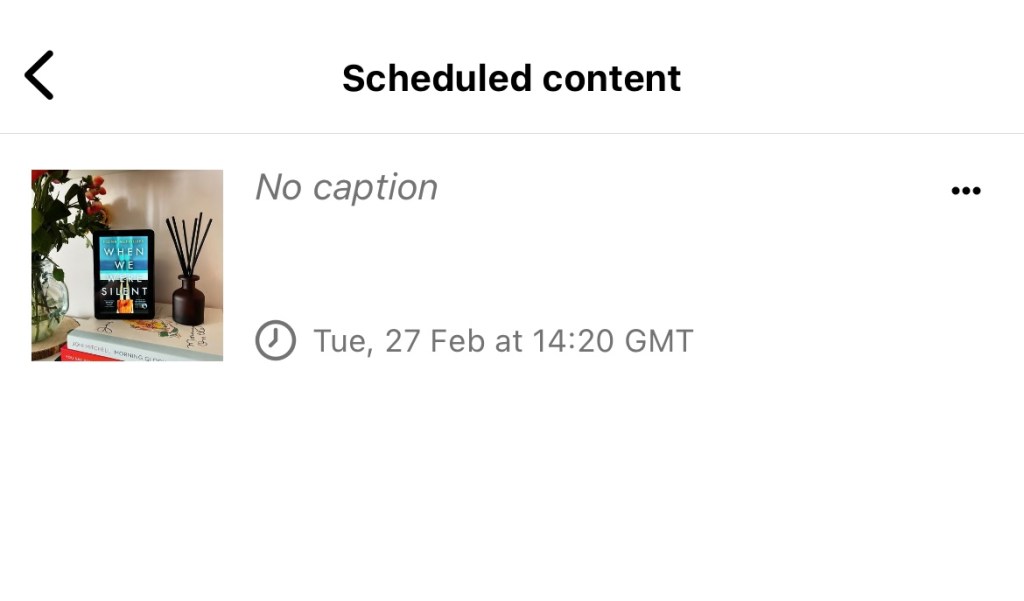
2 – select the option for “scheduled content“
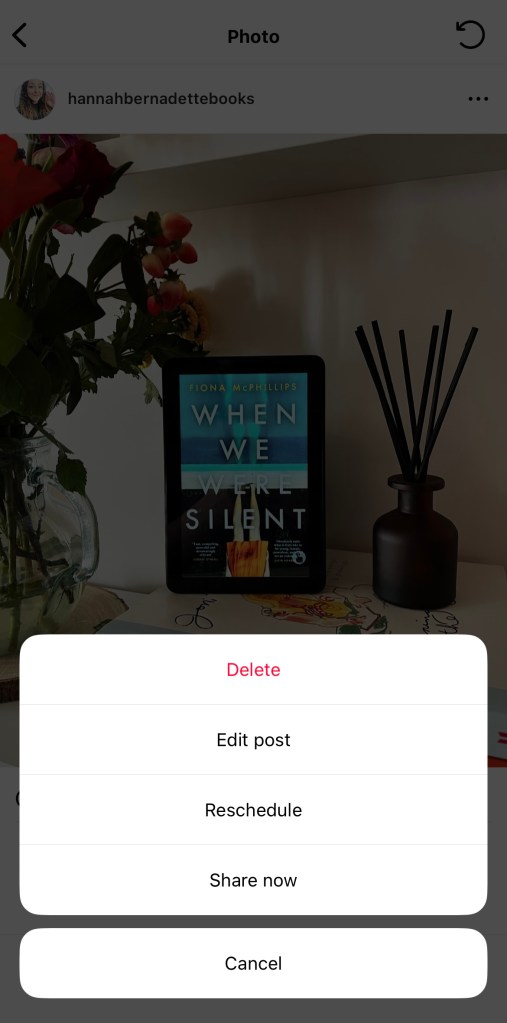
3 – you will see a list of all your upcoming content. To make changes, tap the elipsis on the right-hand side (…).
4 – you’ll then have the option to delete, edit or reschedule your post. You can also choose to Share Now – and post there and then.

Processing…
Success! You're on the list.

Leave a comment