
Level: Easy
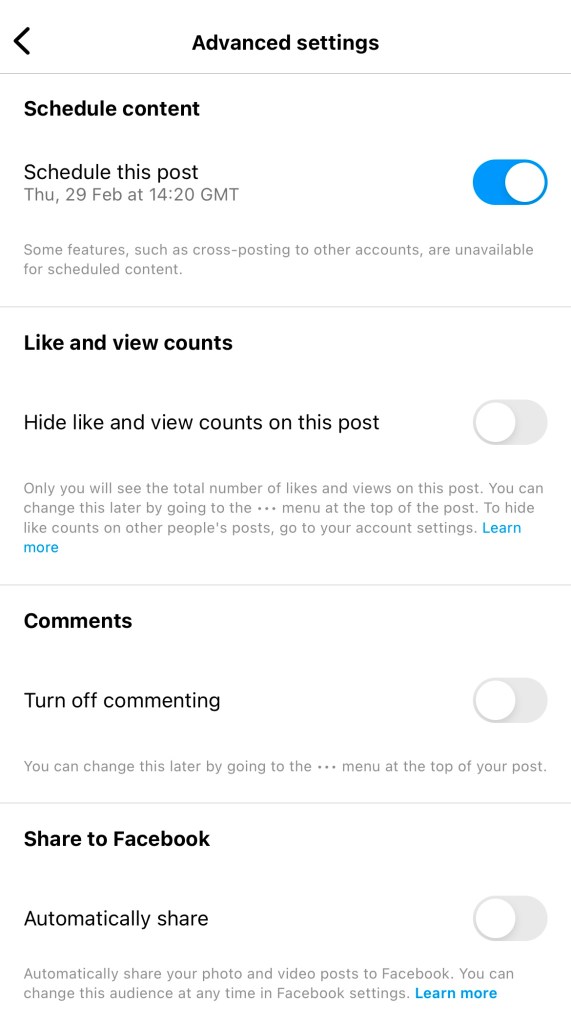
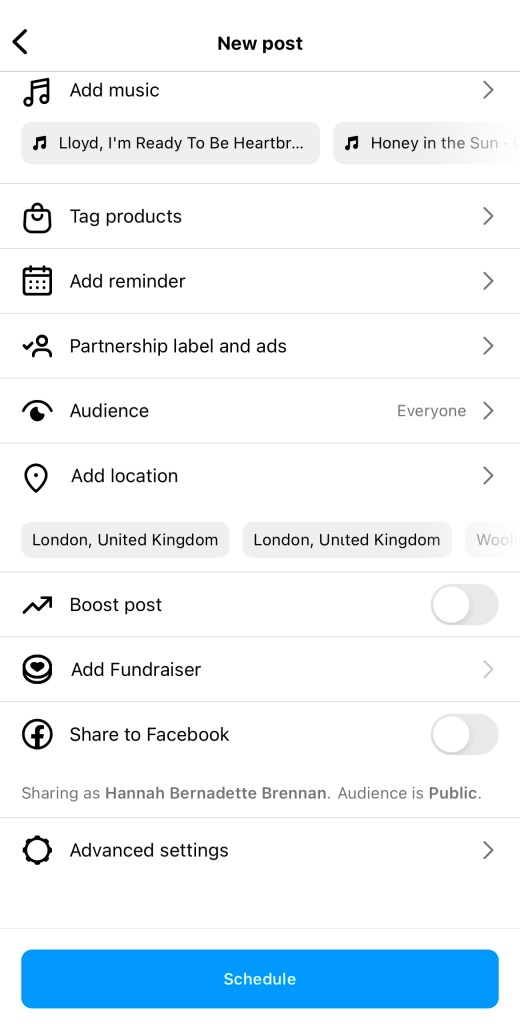
Instagram’s easy scheduling tool can be used for reels and posts, and means you can get content ready well in advance, to go out automatically.
–
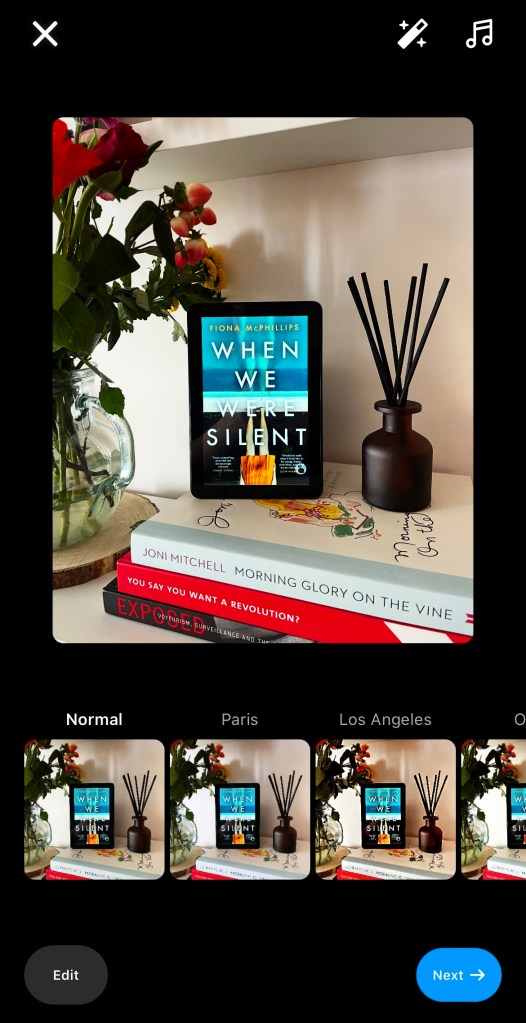
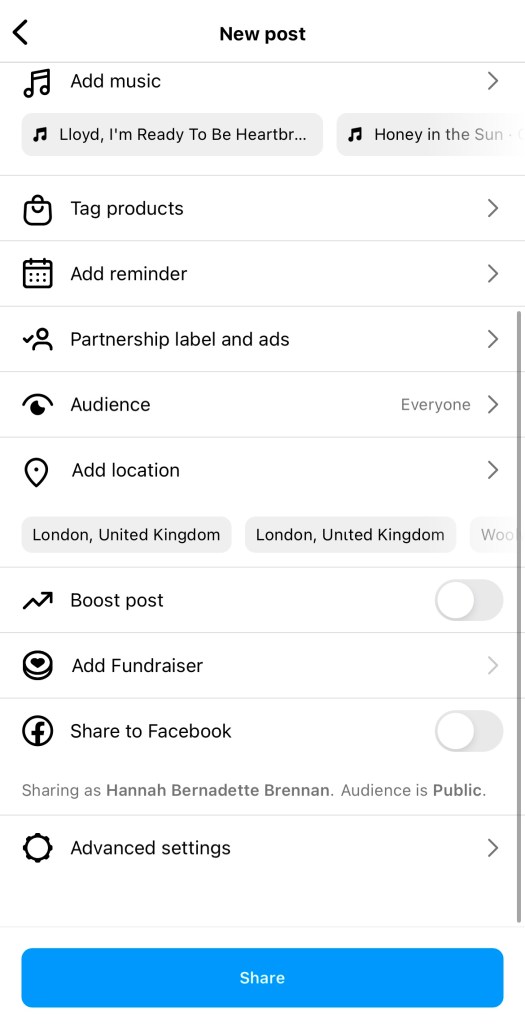
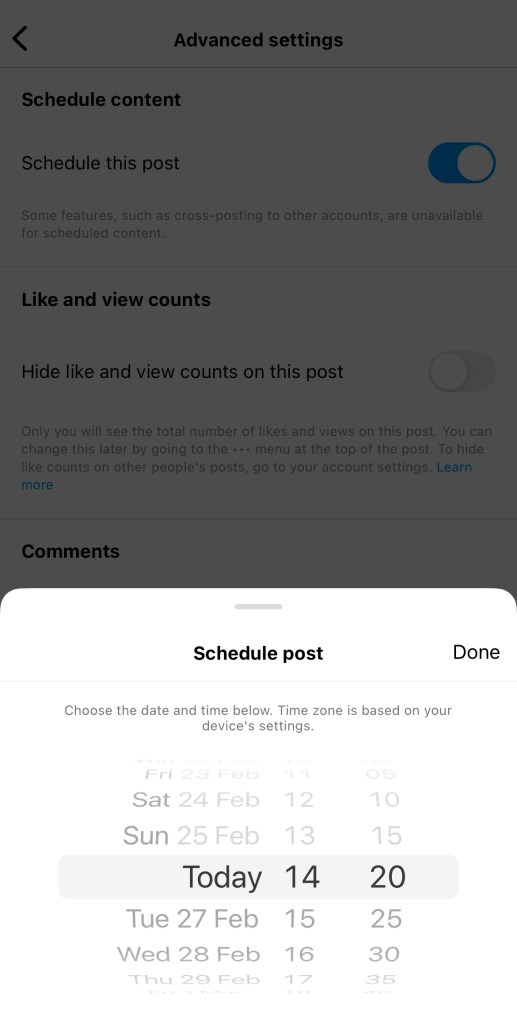
Schedule your post or reel
–
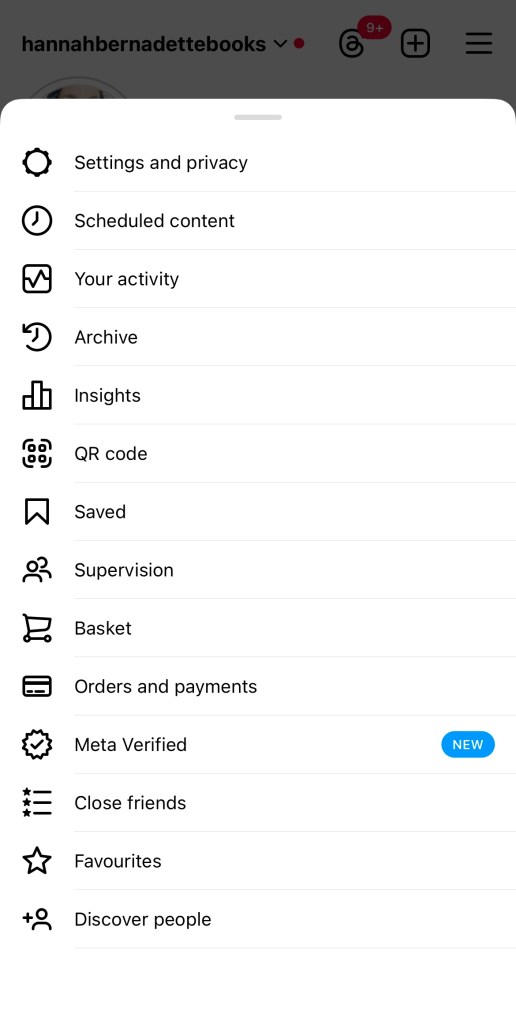
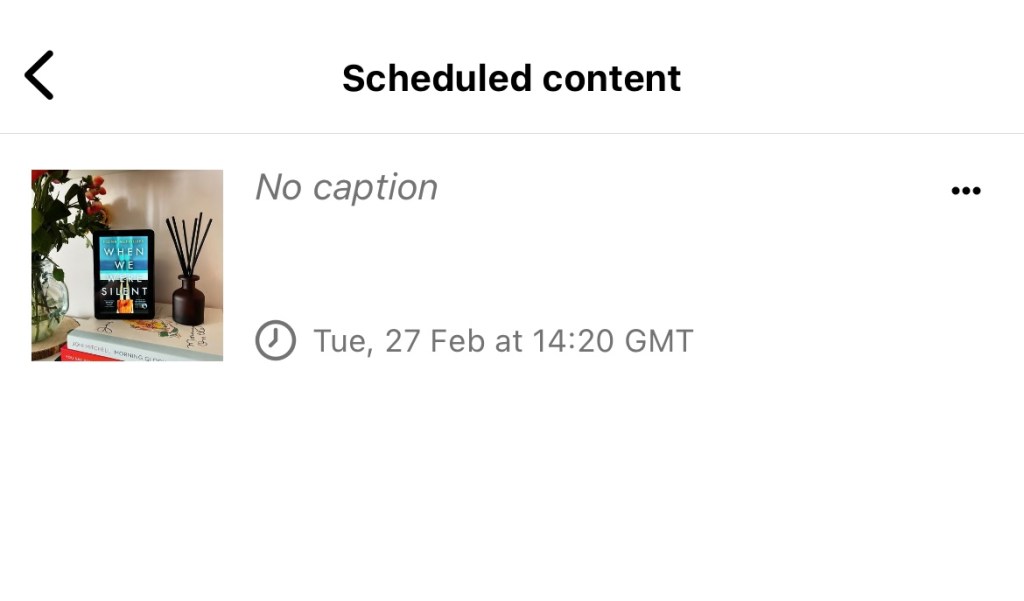
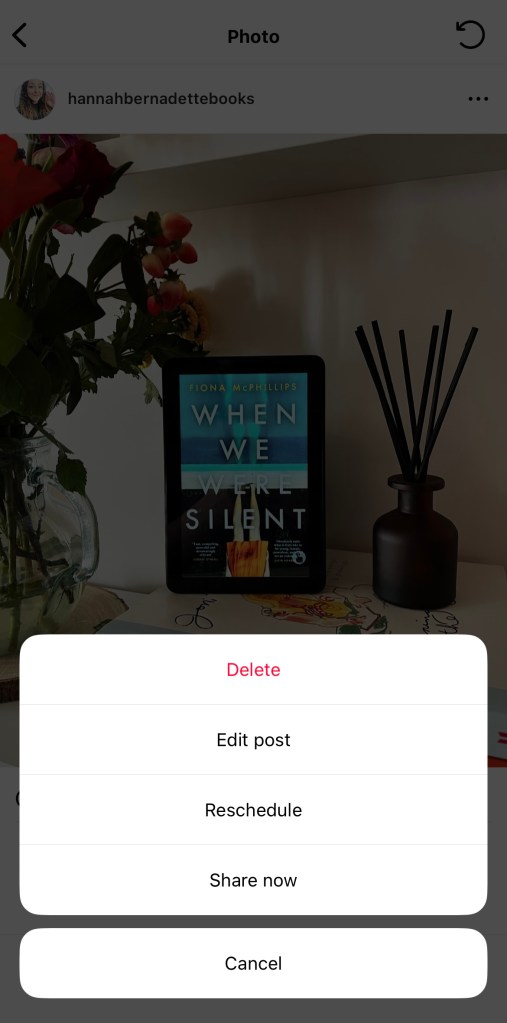
View or re-schedule your scheduled posts
By
·
Level: Easy Instagram’s easy scheduling tool can be used for reels and posts, and means you can get content ready well in advance, to go out automatically. – Schedule your post or reel – View or re-schedule your scheduled posts
Level: Easy
Instagram’s easy scheduling tool can be used for reels and posts, and means you can get content ready well in advance, to go out automatically.
–
–
Tags:
 Hannah Brennan
Leave a comment