Revamp your iPhone photos with these easy settings for significant improvement.
Level: Easy
These super simple quick changes will take your photos from blah to banging. You only need to make these changes once and your settings will remember them!
These tips were given to me by an amazing content creator at my job – give him a follow here.
NB: these may not work on older iPhones.
–
Open settings
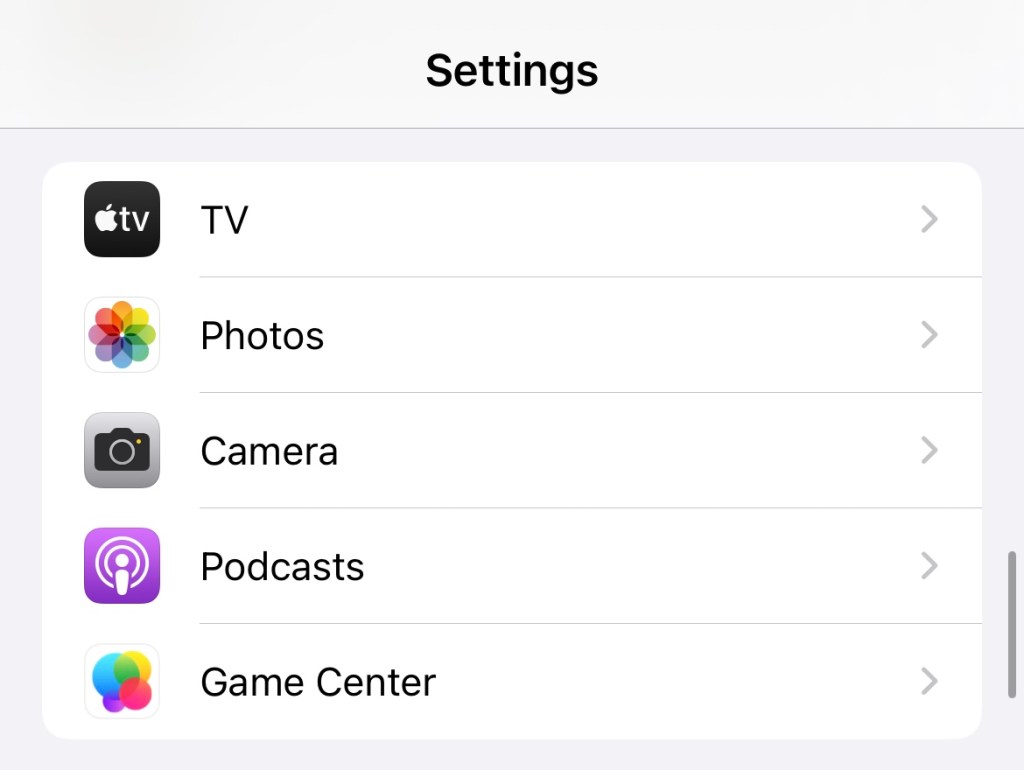
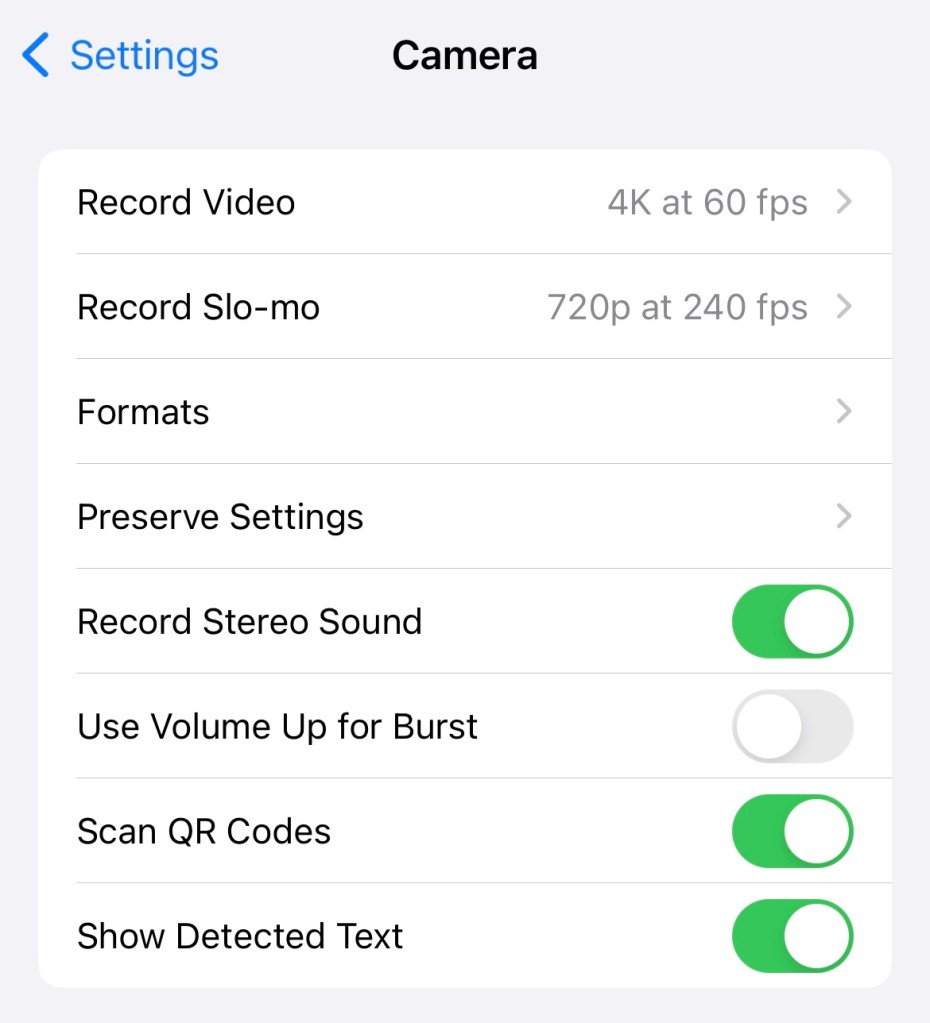
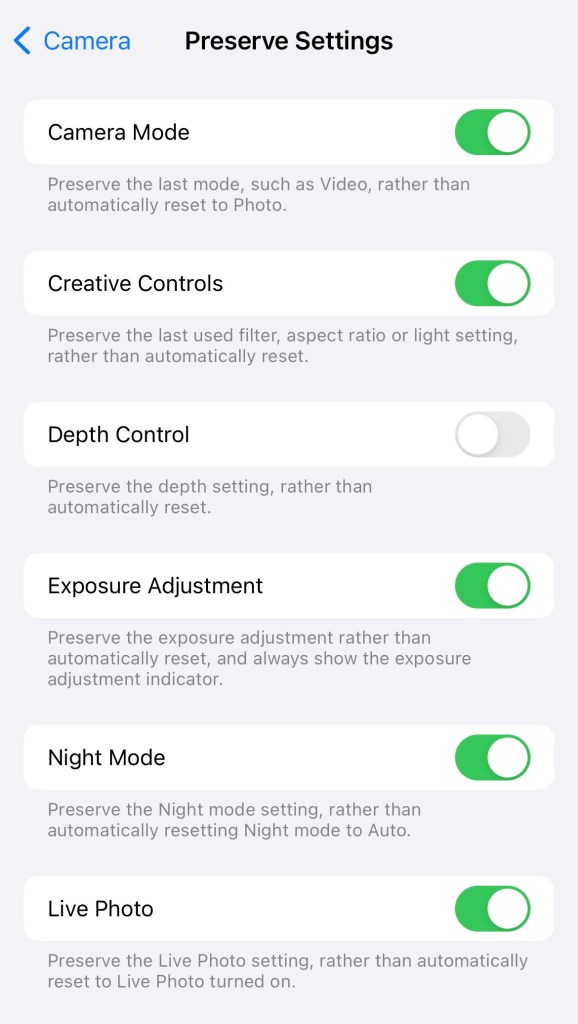
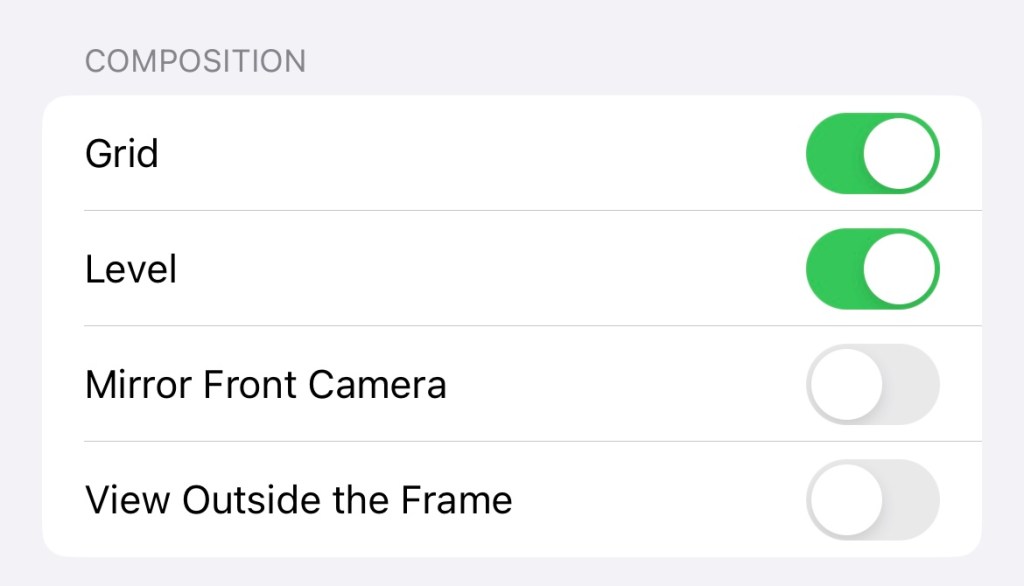
1 – go to “Settings” on your iPhone and scroll down to “Camera“2 – Click on “Preserve Settings“3 – toggle on all the options except Depth Control. 4 – go back and go to Composition. Toggle on Grid and Level, and toggle off Mirror Front Camera and View Outside the Frame.
Grid and Level help you to make sure your pics are straight as you take them. Turning off the view outside the frame makes it easier to see what the final picture will contain.
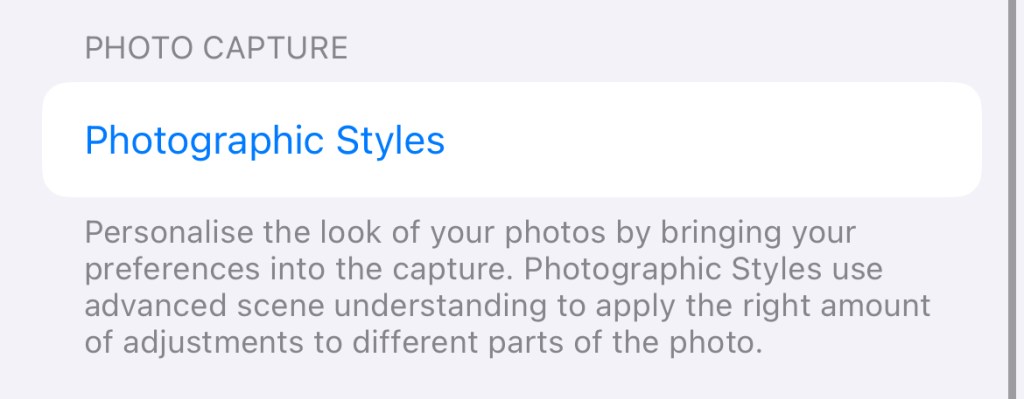
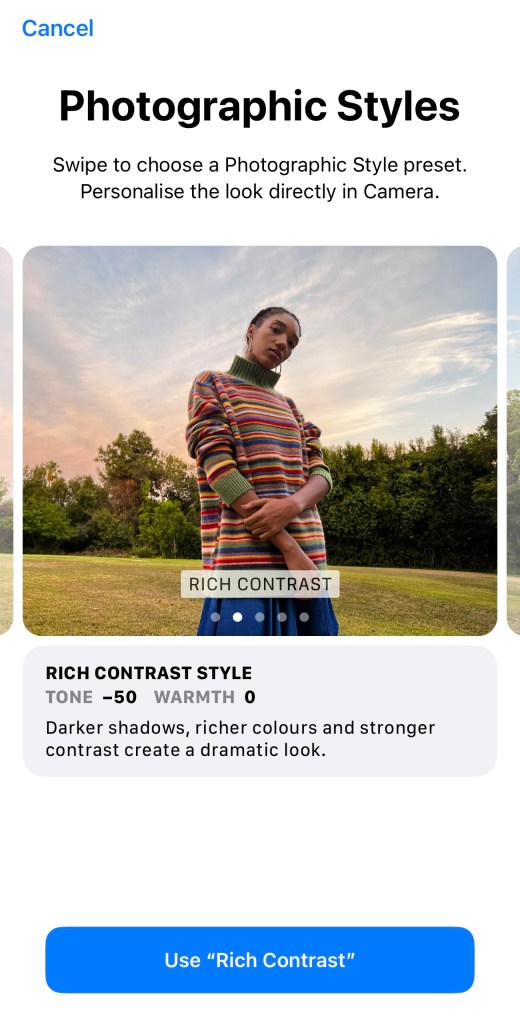
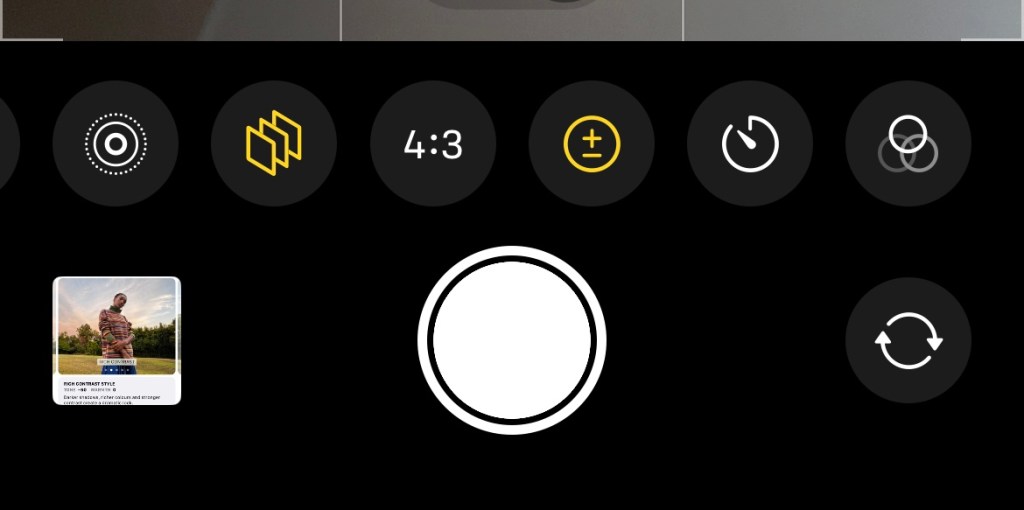
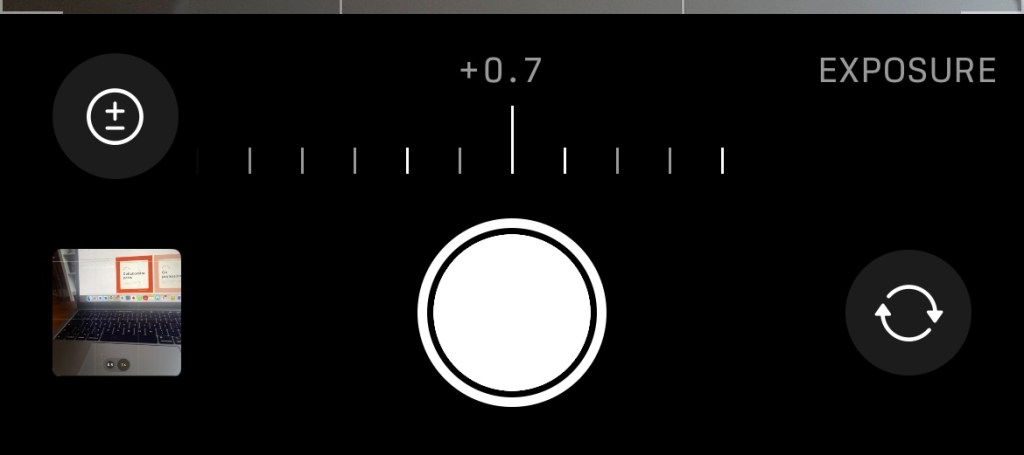
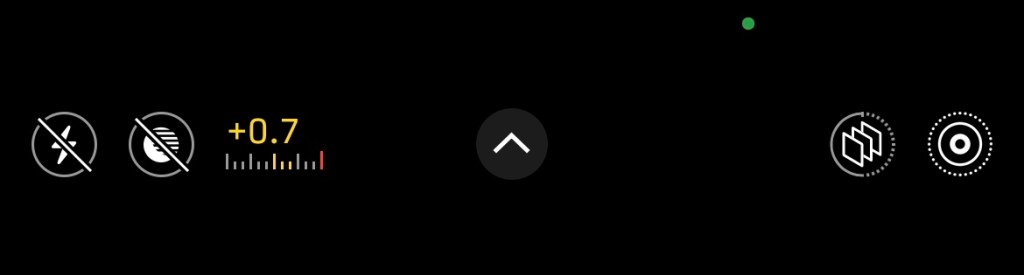
5 – next go to “Photographic Styles“6 – you can scroll through these, but I’d recommend using “Rich Contrast“. This setting pre-edits your pics as you take them!7 – next, open your camera and look across the options at the bottom until you find “exposure“. It’s a + and – sign inside a circle.8 – Set the exposure to +0.79 – The exposure will stay updated – you can see it at the top of your camera screen above the picture.
–
Examples
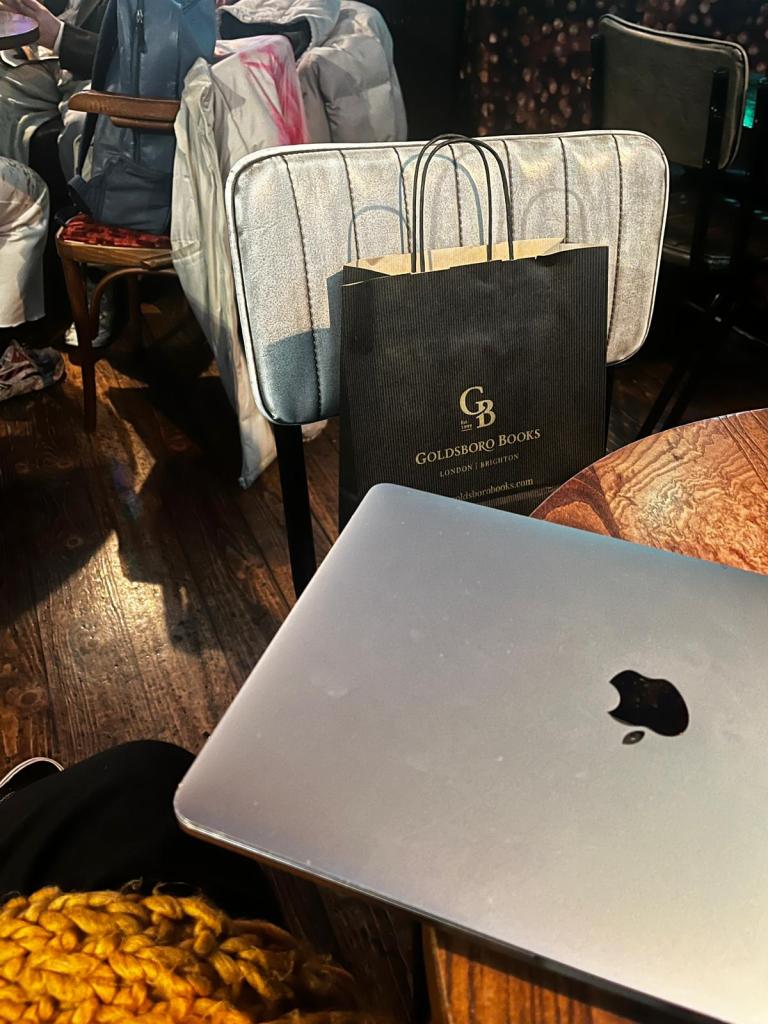
Below you can see a quick example of how much difference these settings can make!


 Hannah Brennan
Leave a comment