Quickly create reels using templates, save reels for inspiration and editing.
Level: Easy
Another super quick and easy way to make reels!
As long as you’ve got lots of short clips to play with, these templates take moments to put together.
–
Using templates
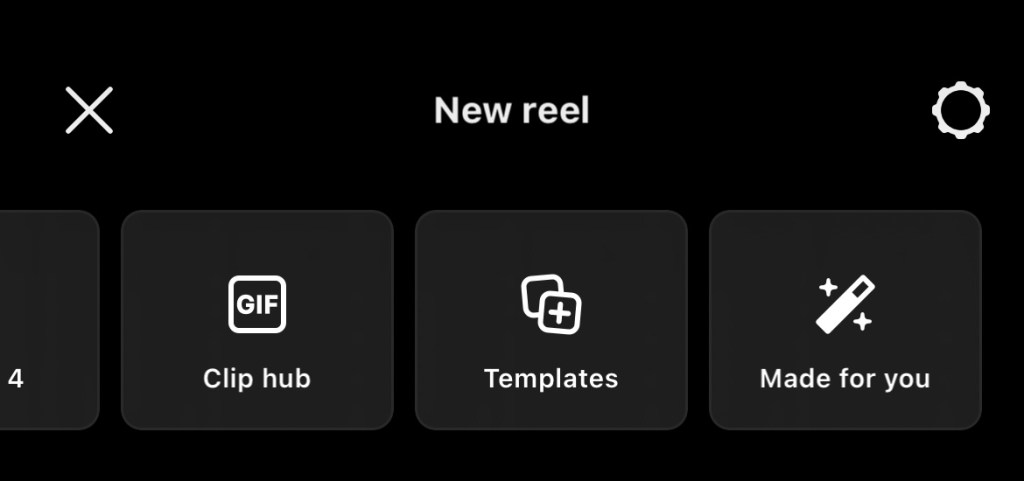
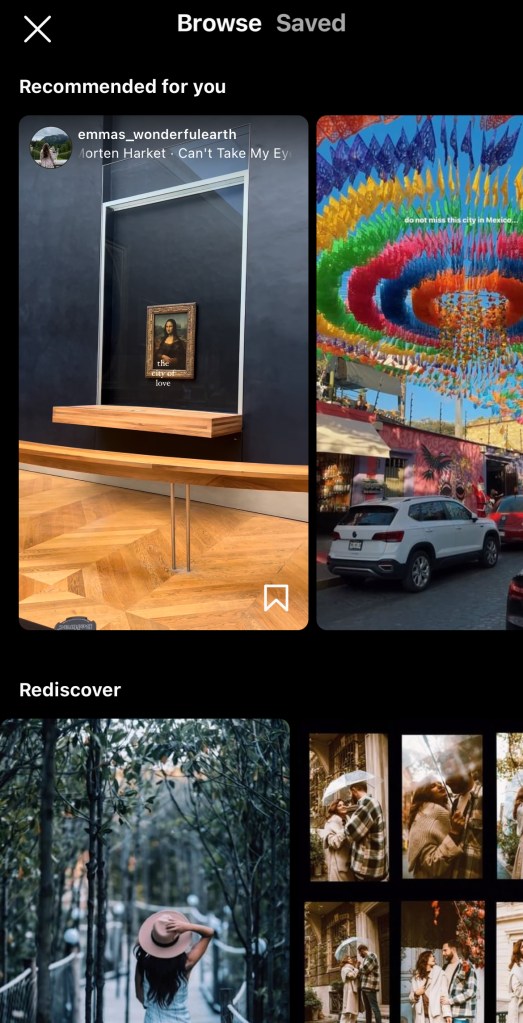
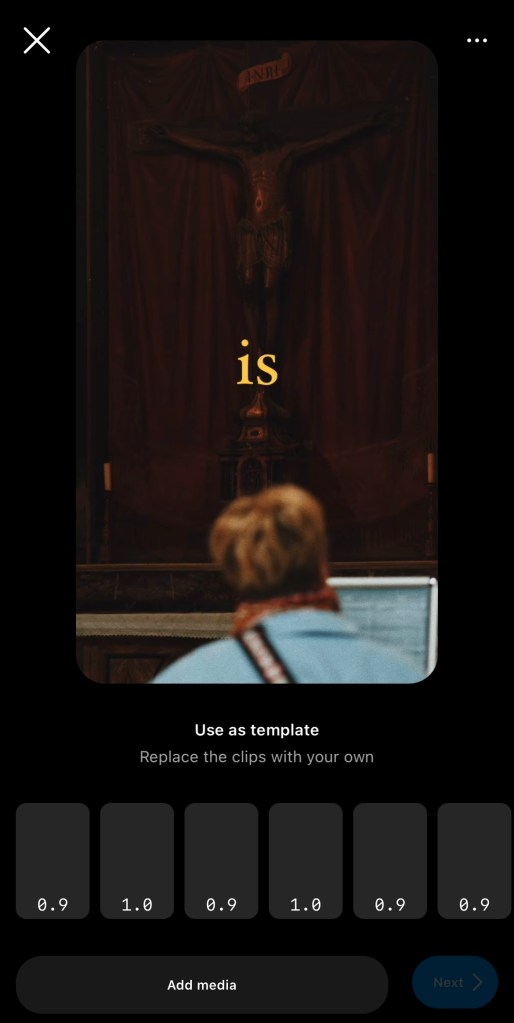
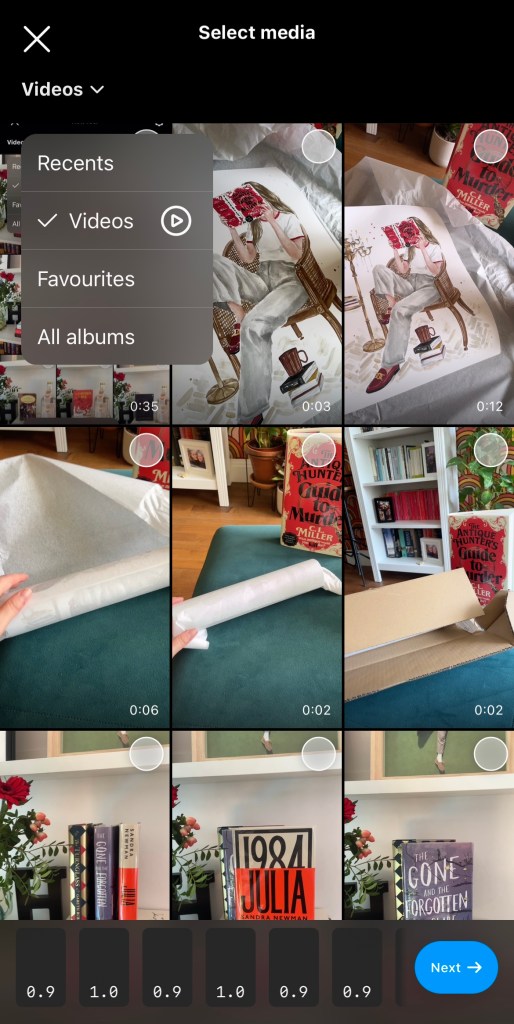
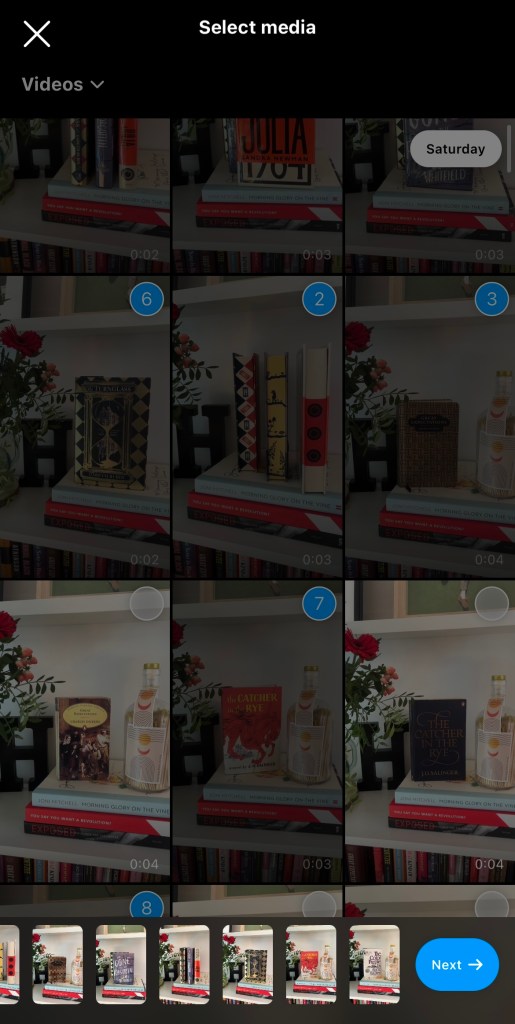
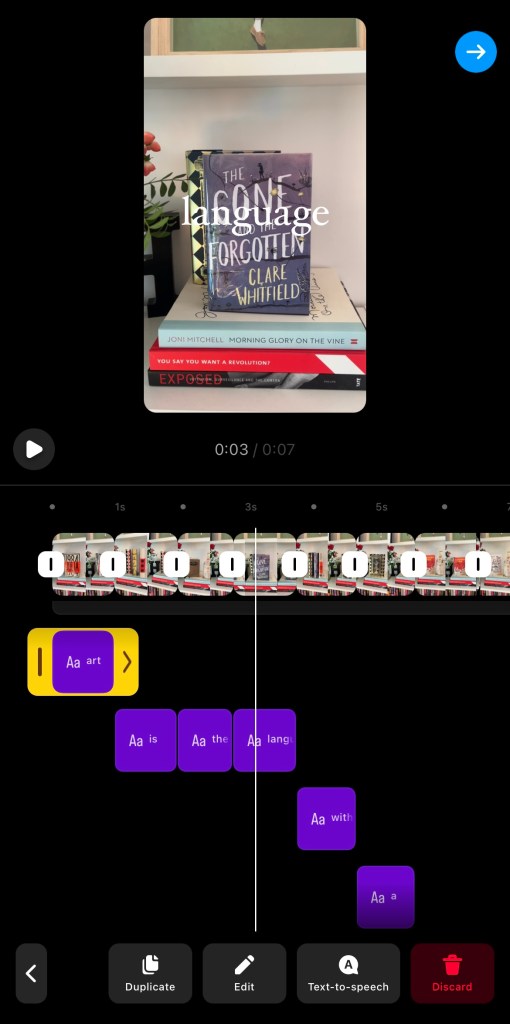
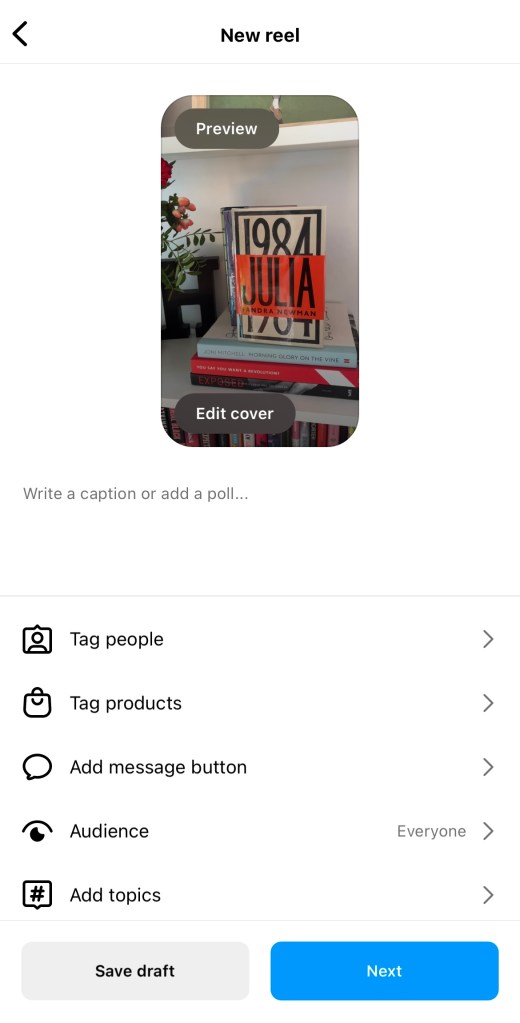
1 – when you go to create a reel, scroll across to “Templates“2 – Browse the options until you find one that you like the look of! 3 – tap on it, and then select “Add media“4 – you can use pics, but I always recommend using the drop down for video and using video clips!5 – select clips until you have totally filled the slots available, then tap “next“6 – now you can make any edits! The template I chose had writing on it, which I chose to delete, but most templates will be ready-to-post at this point!7 – ready and raring to go. Add your caption, tags, collaborators etc. as normal!
–
Saved reels
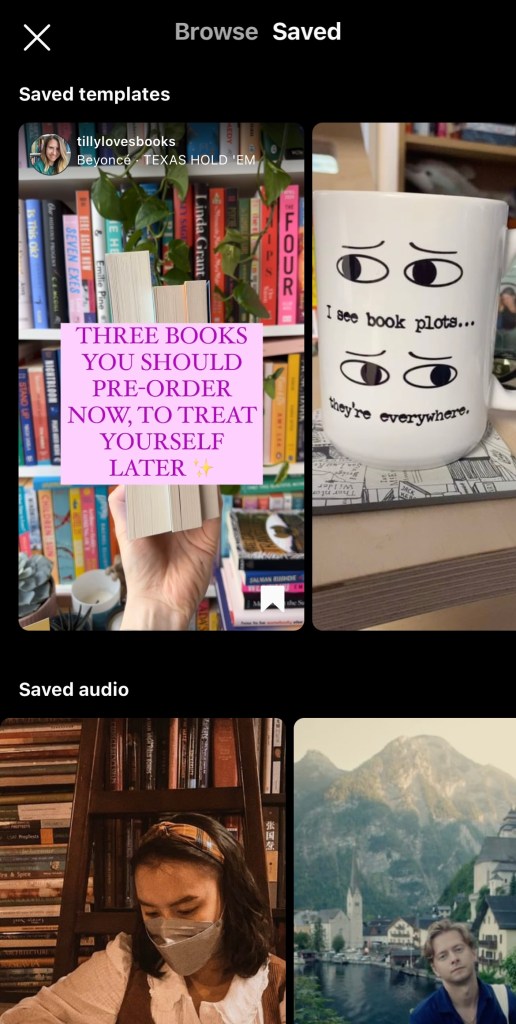
At the top of Templates is the “Saved” option. Any reels or audio you’ve saved is stored here.
Lots of creators allow their reels to be used as templates, so if you see a great reel from another writer save it down for inspiration, and find it here!

 Hannah Brennan
Leave a comment