
Level: Easy
Constantly creating content can be a drain on time and energy. If you’ve already got a camera roll full, it’s super easy to create new posts and content using existing pics and video.
–
1 – Five minute reel
I’ve posted a full how-to guide on this here, but these compilation reels are a fab way to get content from your existing video!
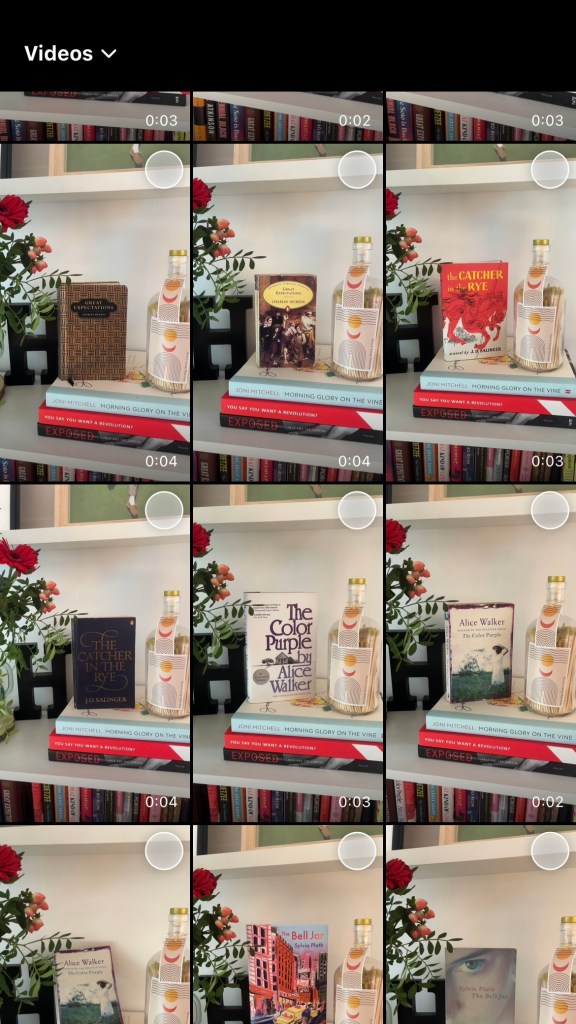
- Create a reel as normal
- From the drop down select “Video” as the folder
- Pick 5-10 clips from your selection – I usually use 2-4 second portrait clips
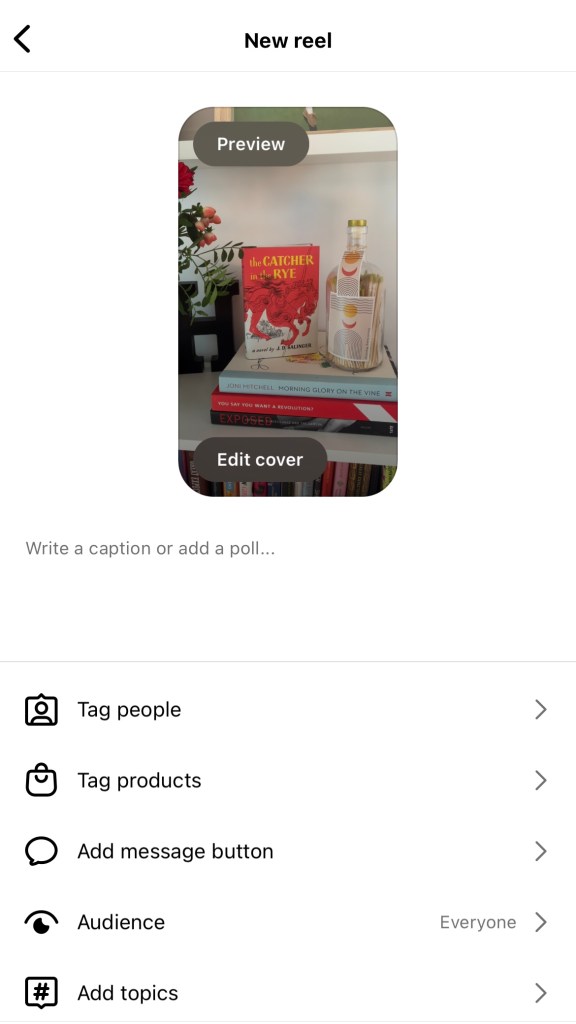
- Click “Next”
- Browse the music choices or pick your own – it’ll automatically cut the clips to suit the music
- That’s it!
What I like about these is it’s a nice way to do a wrap up of your recent exploits. Everwhere I go I get a few 3 second clips of portrait video – they’re very handy.
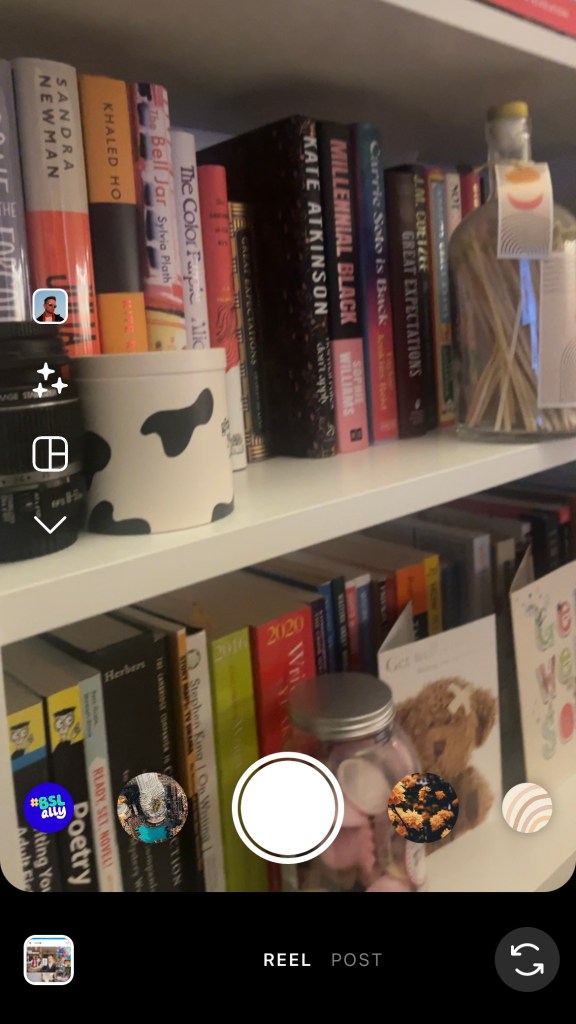
Here’s a screen capture of my phone as I create one:
–
2 – The wrap-up post
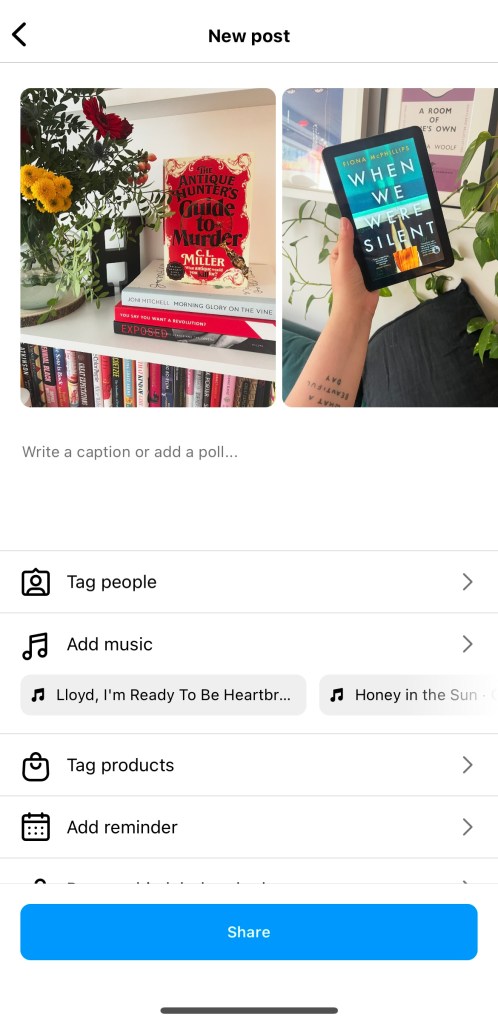
This is the static post version of the above!
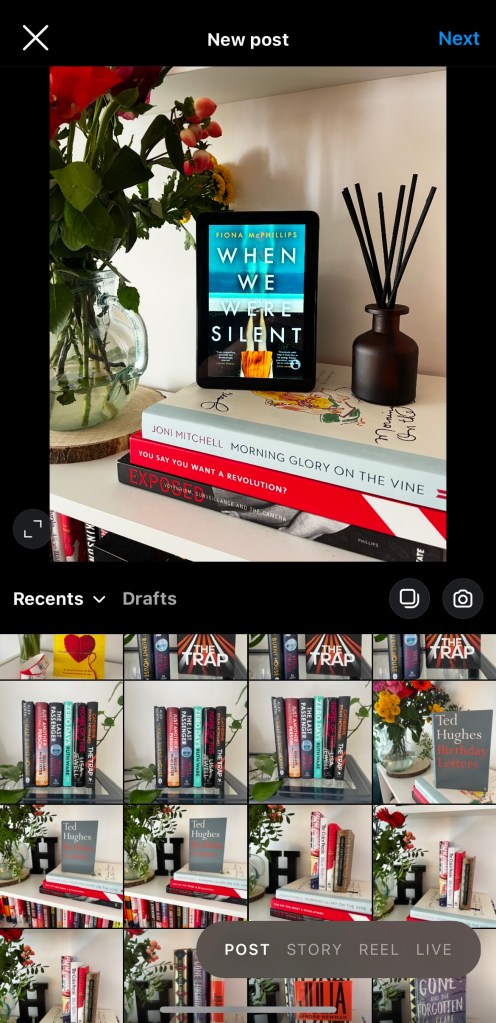
- As you create your post, hit the “multiple” button at the side
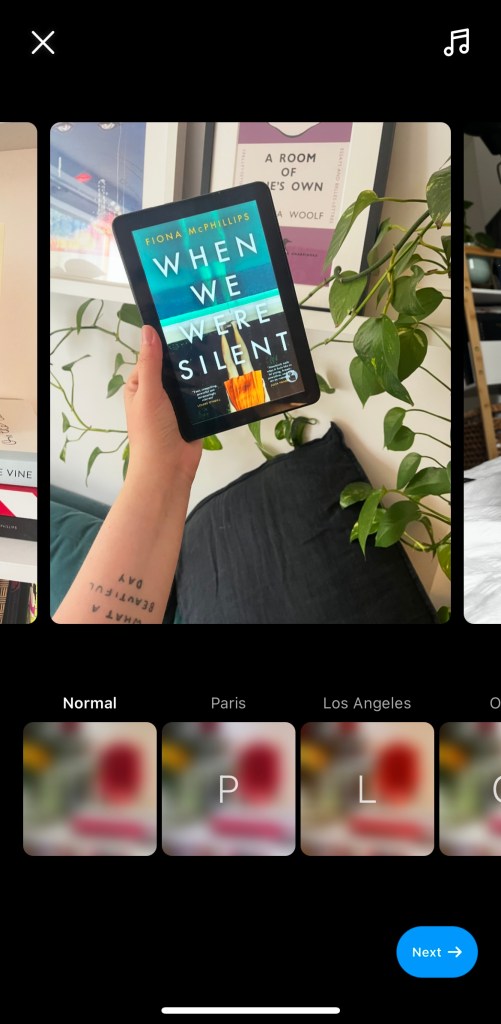
- Remember: whatever you pick as your first photo will crop all the other pictures – so if you pick a landscape photo first all your others will crop to landscape
- Grab a few pics that go well together
- If you want to edit one specific picture you can click on it to bring up editing (useful if you need to take care of some cropping).
I’d suggest using this as a way to talk about a theme, draw attention to reviews or sum up a period of time.
Try using older pictures that haven’t been on your feed for a while.
–
3 – Throwback Thursday
It’s an oldie but a goodie!
Dig deep into the archives and find something to schedule for a Thursday. Remember to get your hastags in.

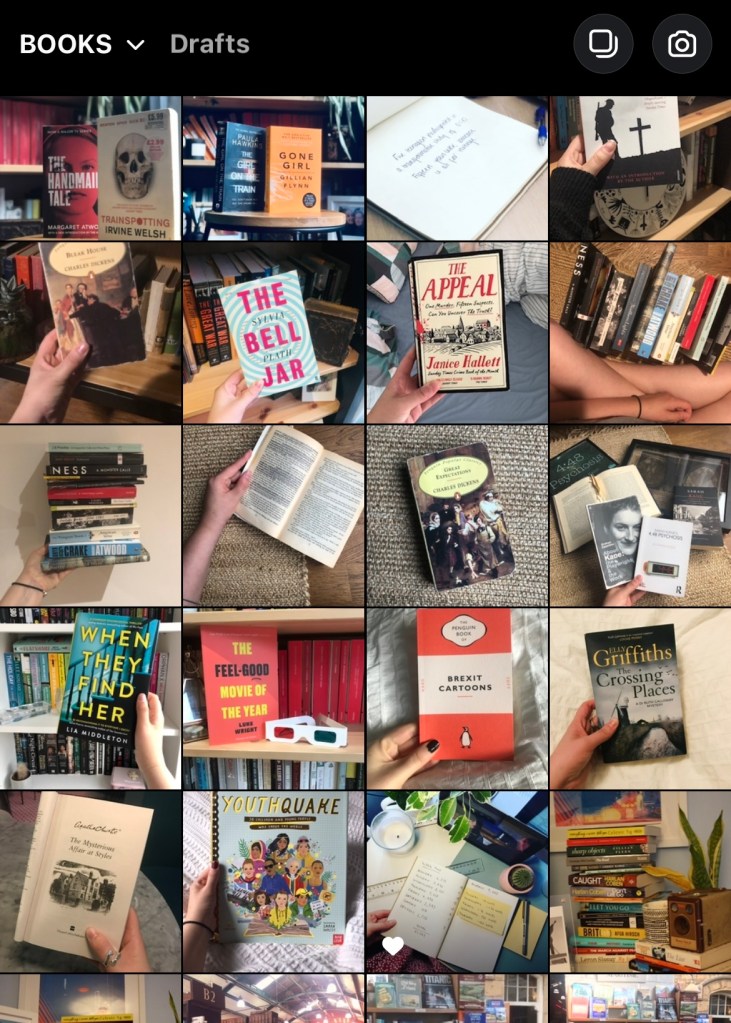
A top tip from me is to use your iPhone’s Albums to help – go to “All Albums” on Instagram and pick where you want to choose a photo from.
I have one called “Books” which is super easy to create – have a look at a how-to guide here.
–
4 – Trending audio reel
A fun way to create an easy reel is to find some relevant audio and make a montage / add a clip from video you’ve already got in your Camera Roll.
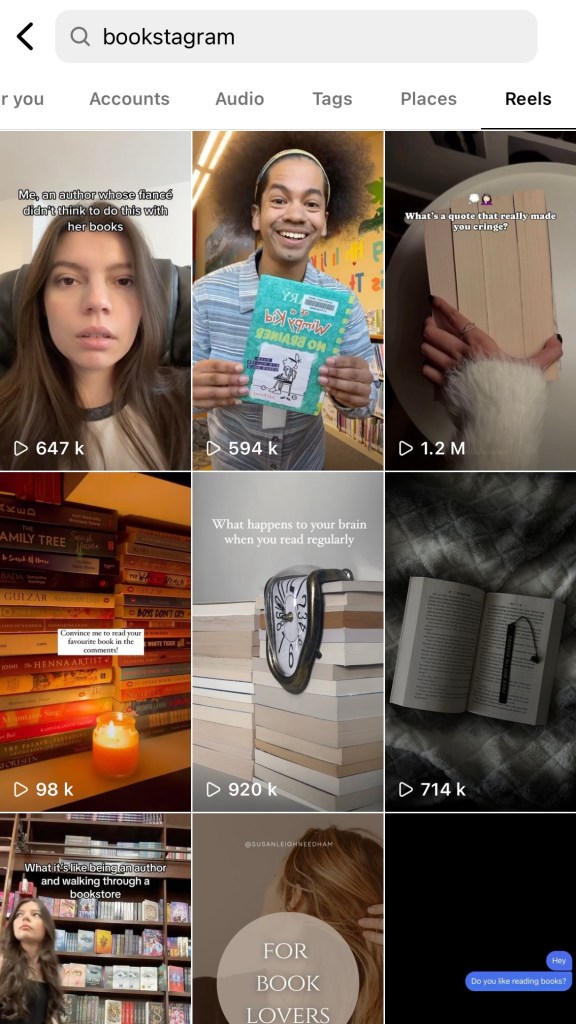
- Search for a topic and go to “Reels” – I used “Bookstagram”
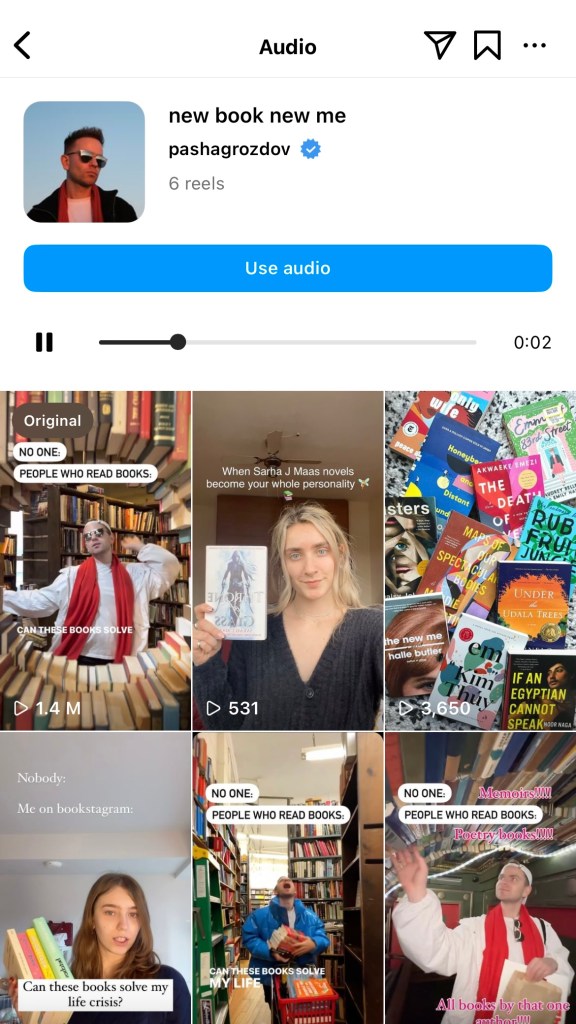
- I found this post and used the audio by clicking the audio in the bottom left corner:

- You can see other reels that used the audio – click the blue “Use Audio” option to use it
- Click your gallery in the bottom left to use existing video clips and create your reel.

–
5 – Archive and repost
Sometimes a post just doesn’t get the appreciation it deserves. It might be the time of day or some unknown Instagram goblins, but there’s nothing to stop you from archiving the post, and using it again!
Would you notice if one of the hundreds of people you followed re-used the same post a few weeks later if you scrolled past it again?
I wouldn’t make this your whole strategy, but once in a while really doesn’t hurt.
That’s it!
I hope some of these were useful and sparked some ideas!
 Hannah Brennan
Leave a comment