
Level: Easy
There’s a few different things to know before we get started! I’ll explain both methods below.
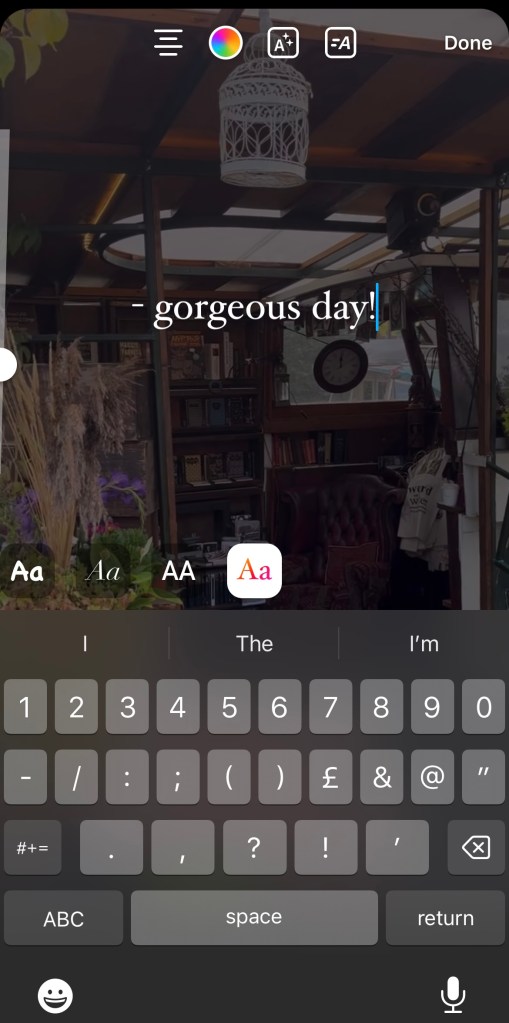
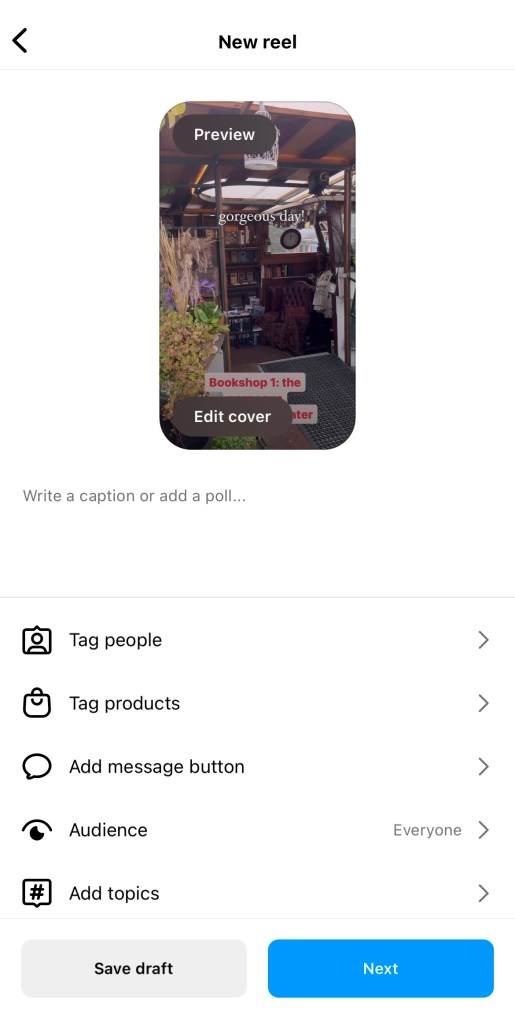
Remixing allows you to add to and share a reel. This is a great, simple way to share content on your feed, but it doesn’t work well on static posts.
Reposting a picture is slightly different. You can always share it to your story, but if you want to add it to your grid, you either need to message the user and request to be a collaborator, or screenshot their original post.
You can be added as a collaborator on a reel, rather than mixing – but this is a good back-up option!
–
Remixing


–
Reposting
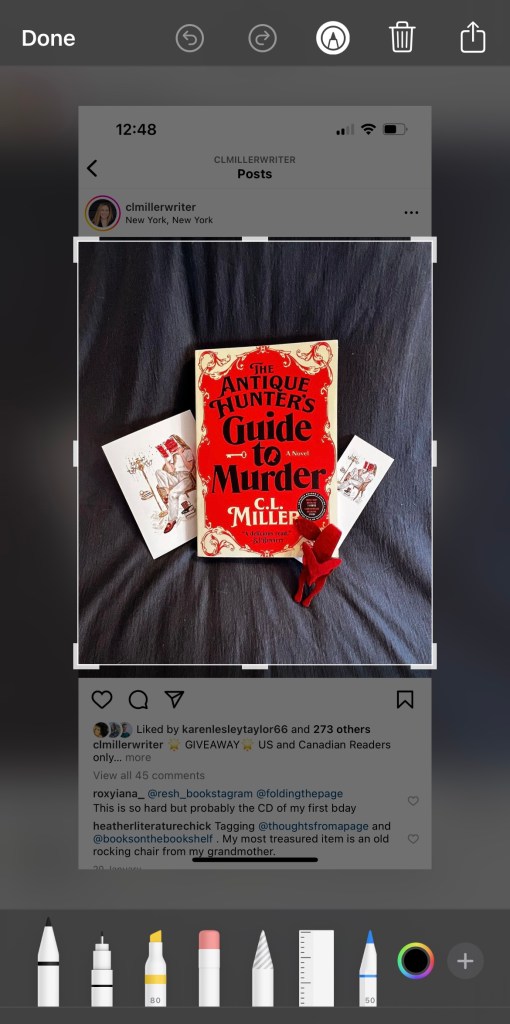
If you haven’t been added as a collaborator, it is possible to screen shot and post a static post.
There are “repost” apps that allow you to do this, but they usually add a watermark to the photo.
Note! I really encourage you to message the original owner before reposting, and make sure they’re happy for you to use their pic. Always credit them in the bio and tag them in the pic!
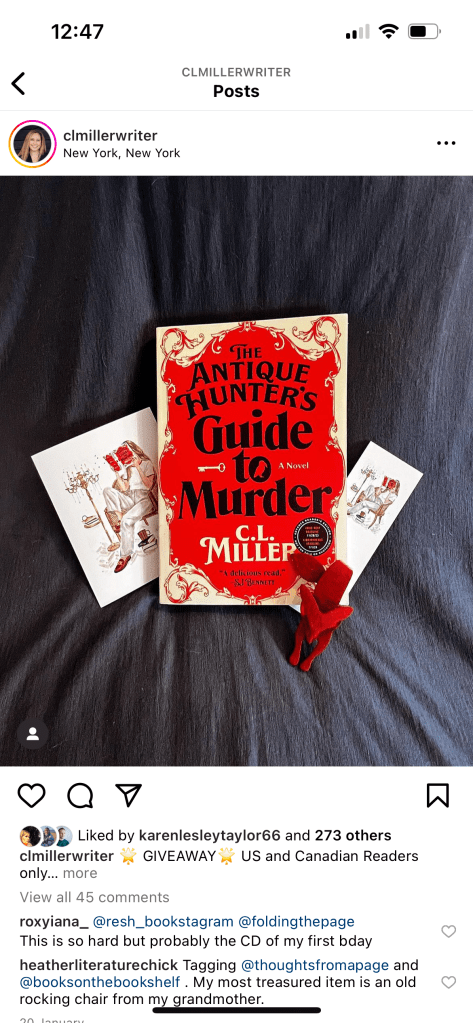
NOTE! When you first look at the picture, you’ll probably see a little person or volume icon in the corner. Wait a few seconds for these to fade away before you take your screenshot, or they’ll be on your post!


 Hannah Brennan
Leave a comment