
Level: Basics
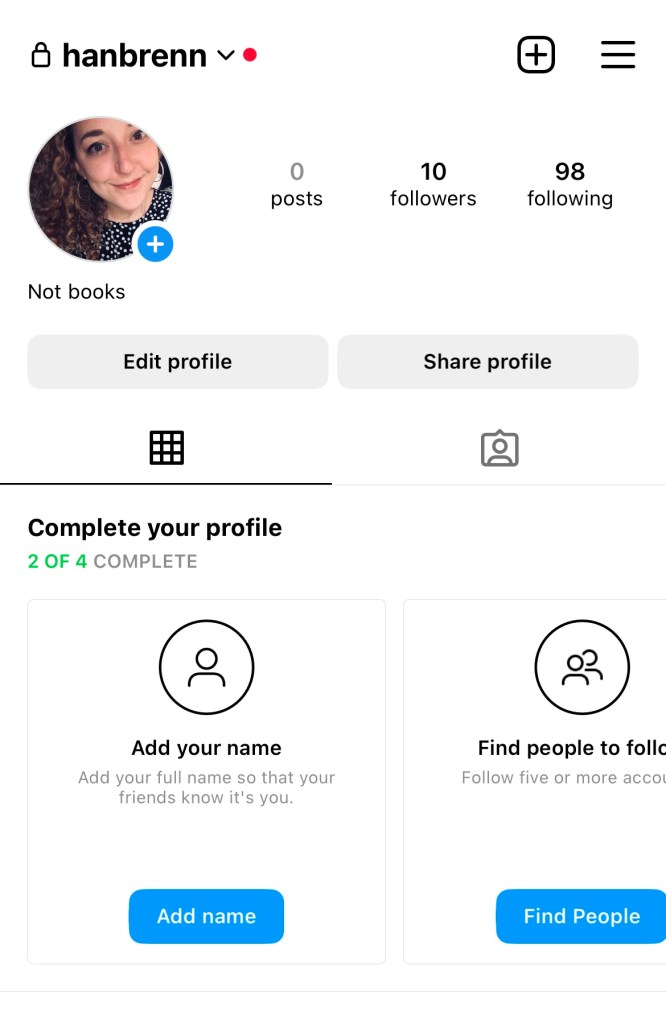
Turning your Instagram account into a “Professional Account” unlocks a world of analytics and tools that will help manage your profile.
–
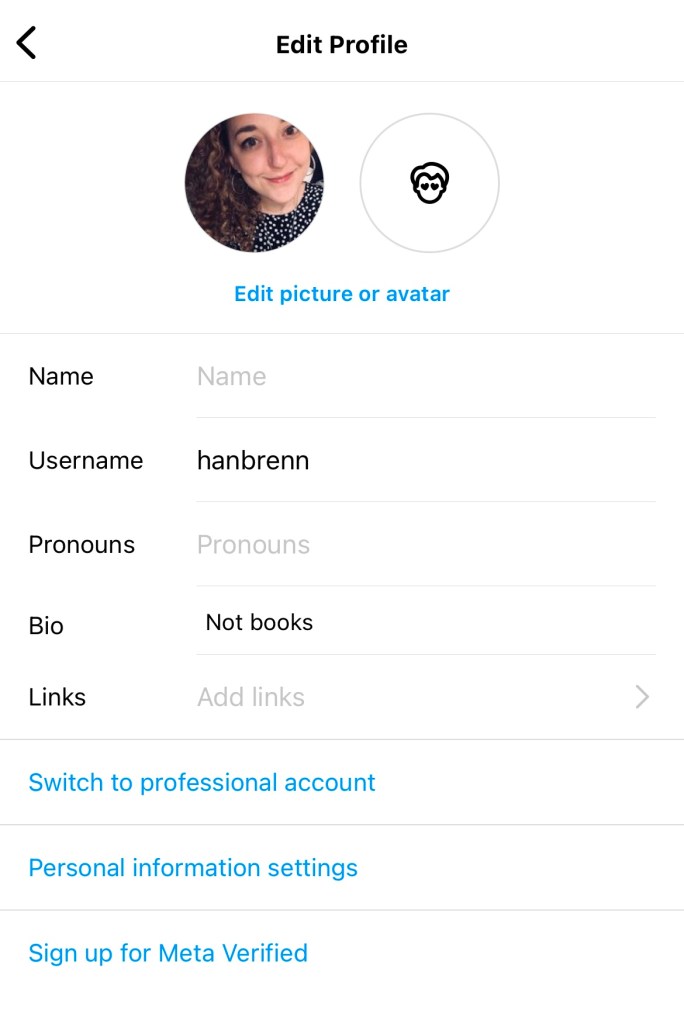
Turn on Professional Account
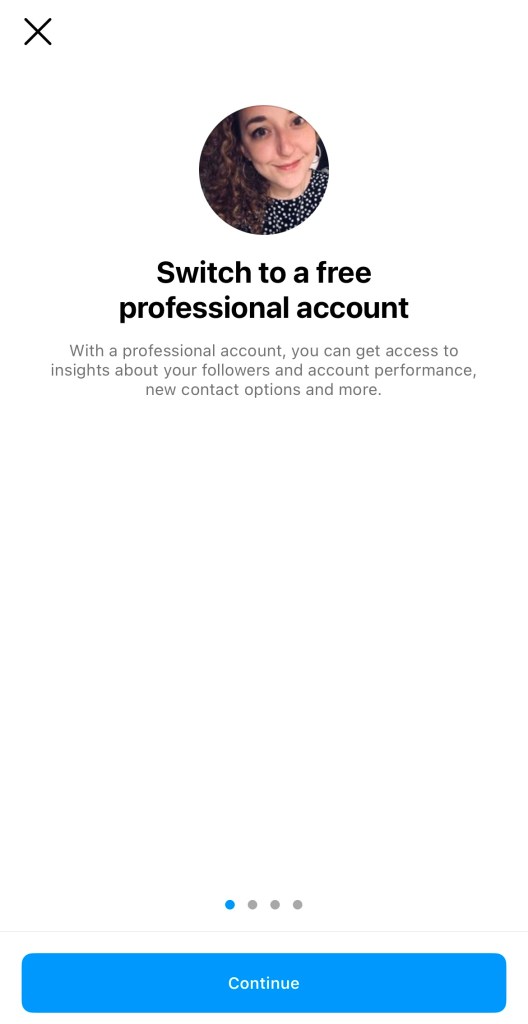
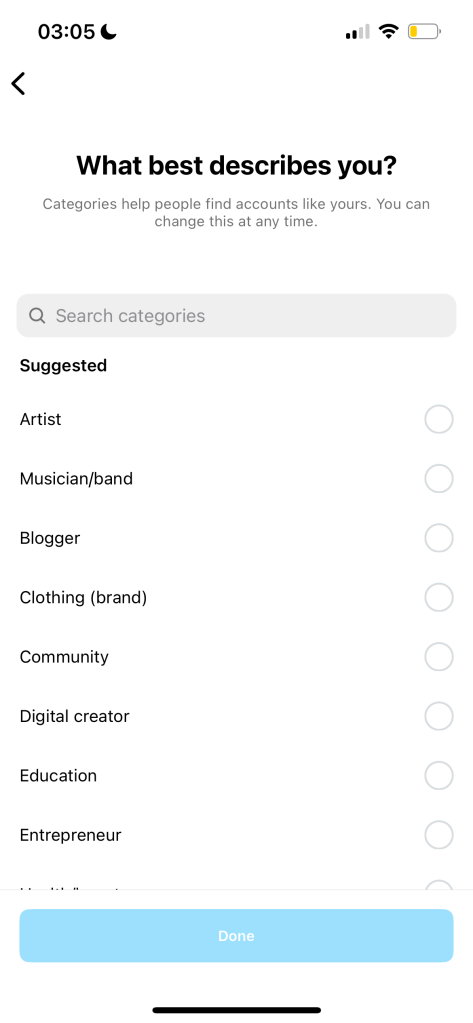
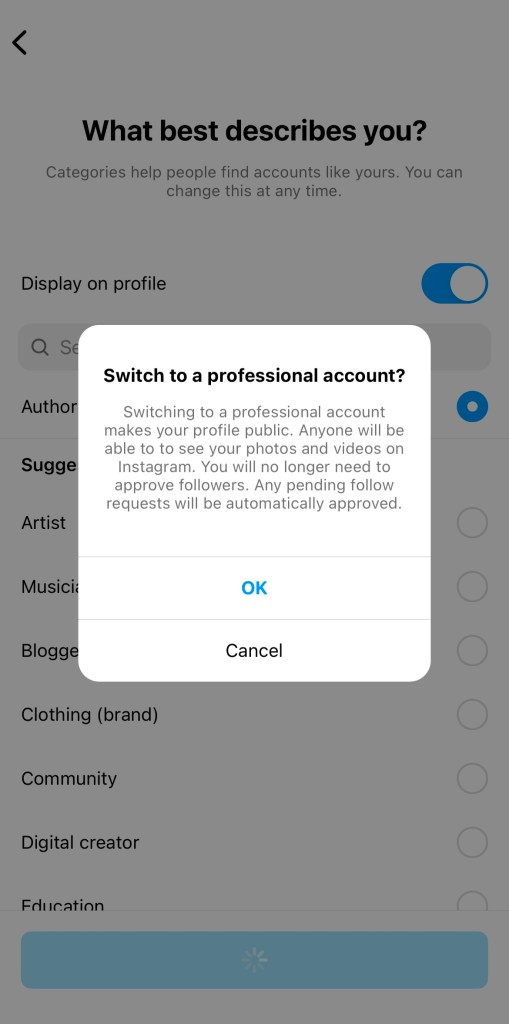
NB: turning on Professional Account will make your profile public.
By
·
Switch to Professional Account on Instagram for analytics and profile management.
Level: Basics
Turning your Instagram account into a “Professional Account” unlocks a world of analytics and tools that will help manage your profile.
–
NB: turning on Professional Account will make your profile public.
 Hannah Brennan
Leave a comment