This post explains how to hide like and view counts on a post to maintain privacy.
Level: Easy
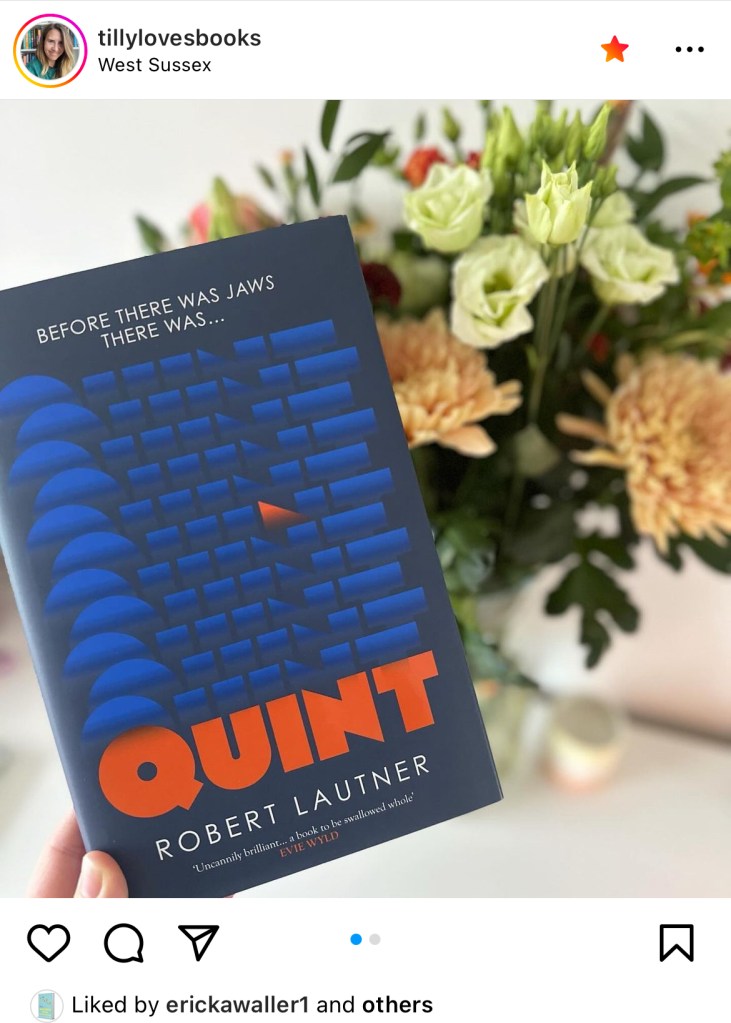
You may have spotted posts that say “@Useraccount and others liked this post” – without showing the total number of likes. This is an easy setting to switch on if you’d prefer not to display your total likes on a post.
–
Hiding your like count on a post
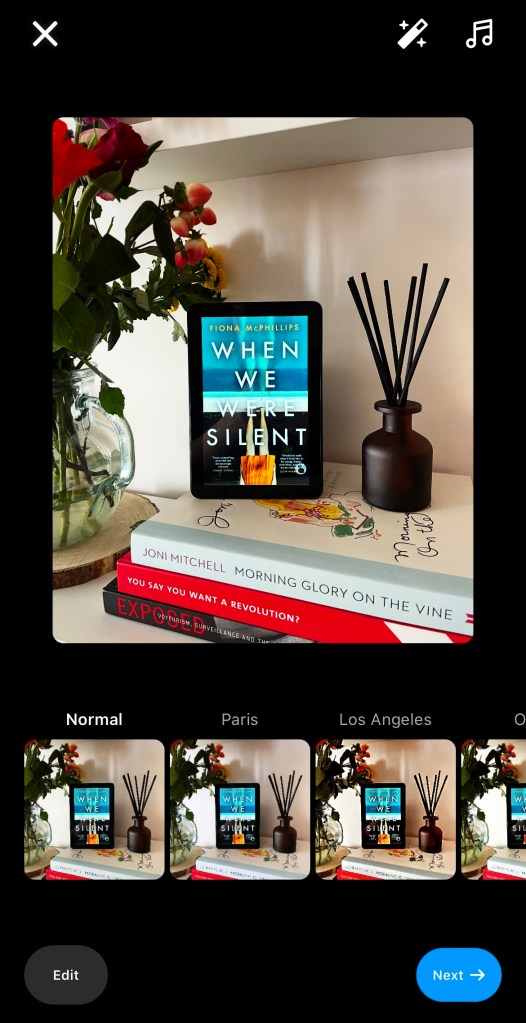
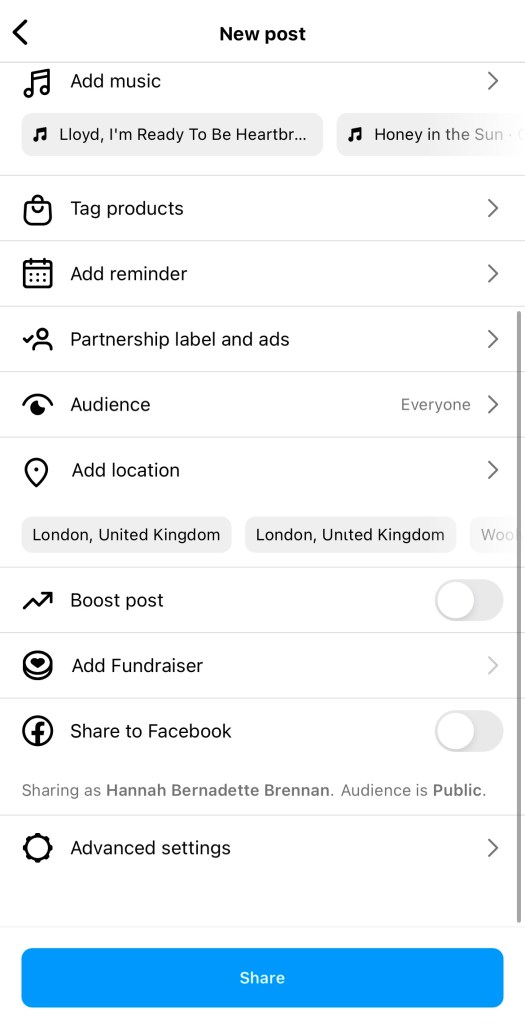
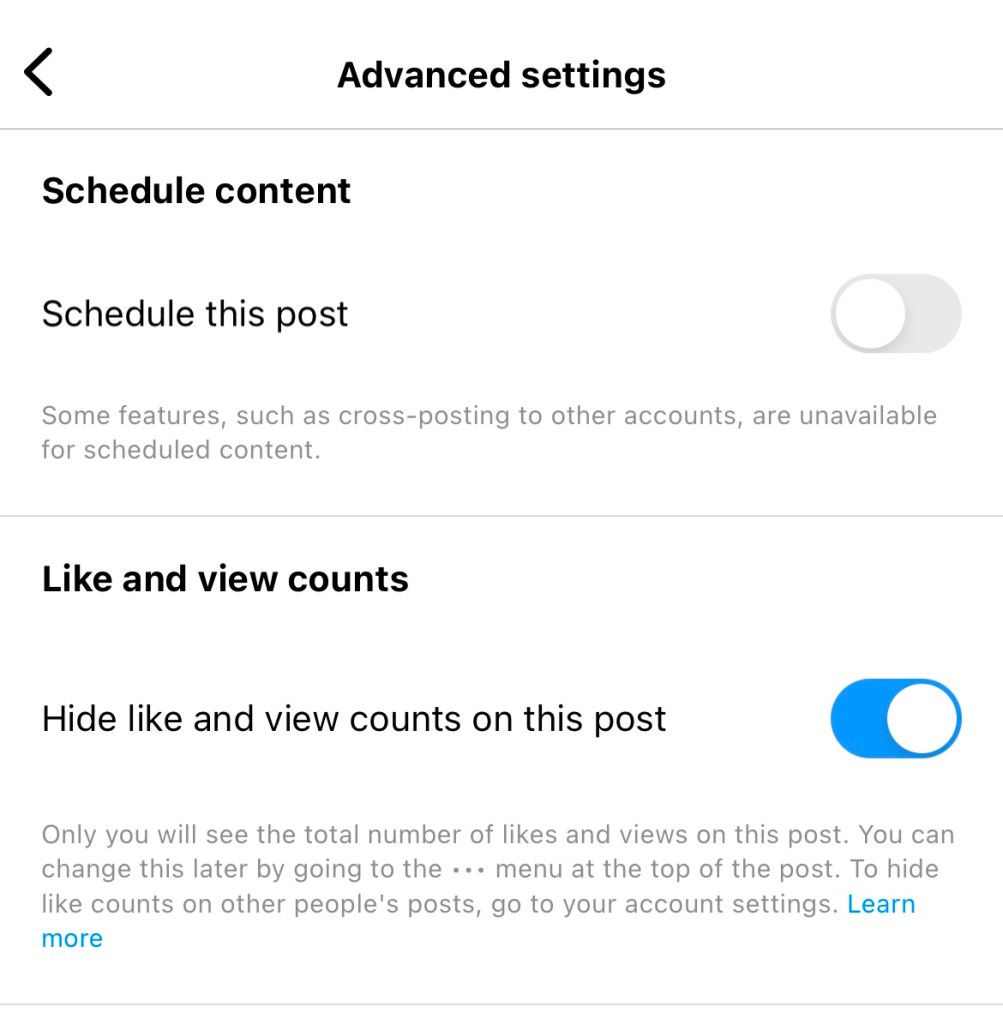
1 – start your post as normal2 – When you’re on the posting page, scroll all the way to the bottom and hit “Advanced Settings” 3 – Toggle on the option for “Hide like and view counts on this post”
4 – hit the back button and post your photo or reel as normal.
–
Examples
What a user sees when like count is hiddenWhat a user sees when like count is not hidden


 Hannah Brennan
Leave a comment