Never delete, always archive Instagram posts. Follow simple steps to manage your content.
Level: Basics
We all have them – those posts that look naff in hindsight, or get 0 likes. However, the Instagram goblins don’t like it when we delete content. So, if you want rid – it’s always better to archive your posts or reels.
–
How to archive an instagram post
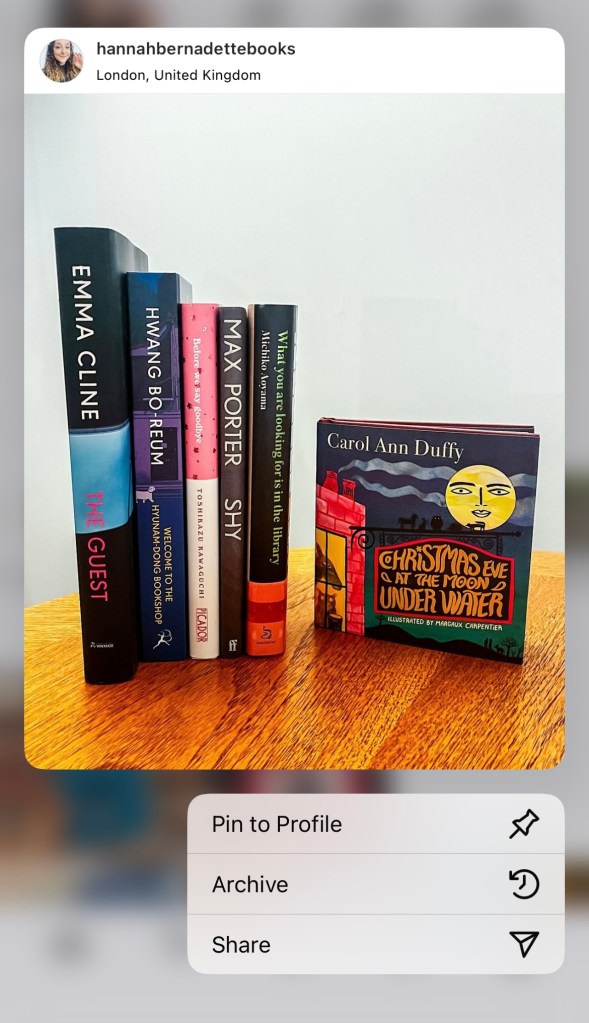
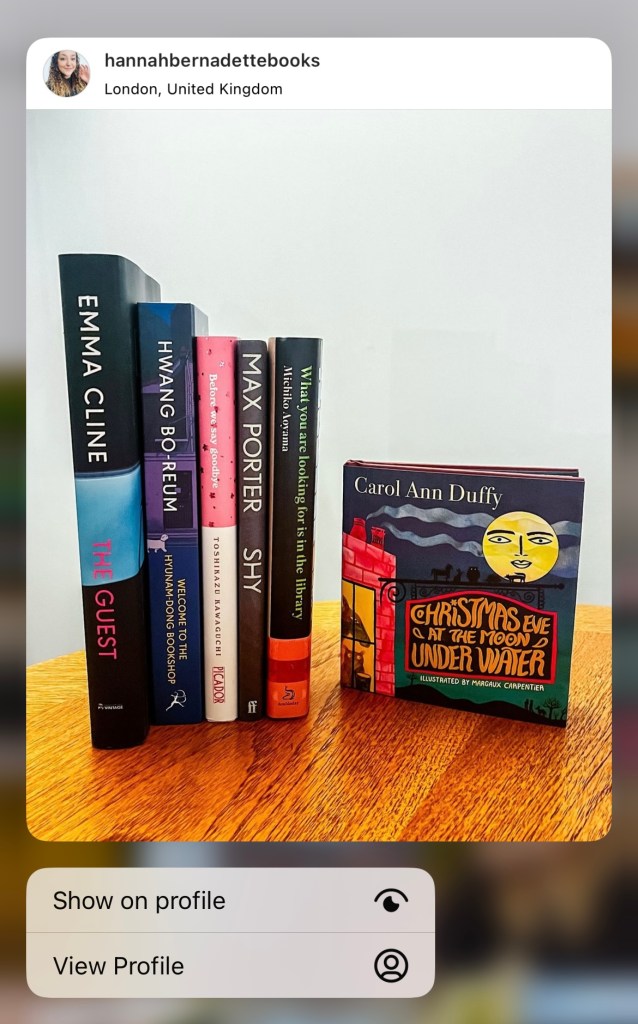
1 – press and hold on the post you want to remove2 – this pop up will appear, hit “archive”3 – the post has gone!
–
How to view your archive or un-archive a post
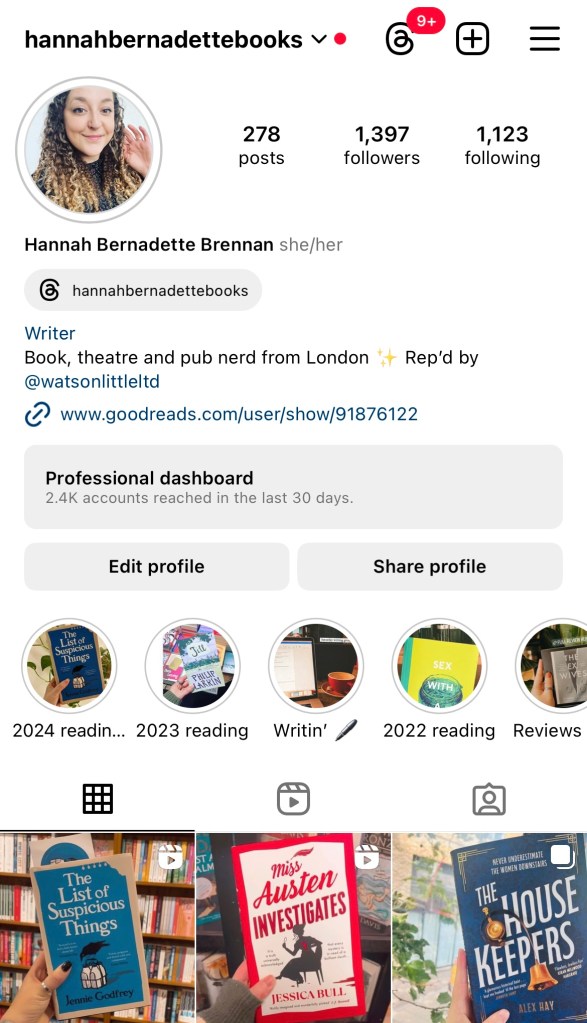
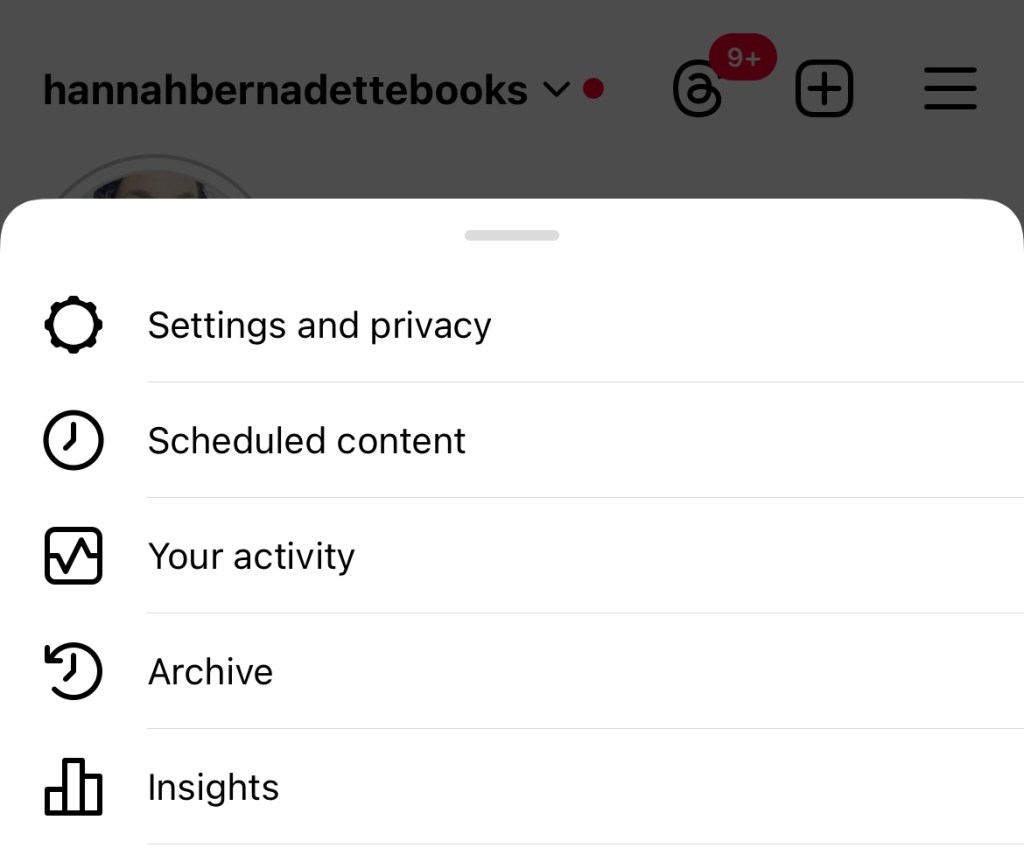
1 – navigate to your profile and hit the top right menu2 – pick “Archive” from the menu that appears3 – click “Stories Archive” at the top, and tap on “Posts archive”4 – press and hold the post you want to re-share, and tap “show on profile”




 Hannah Brennan
Leave a comment